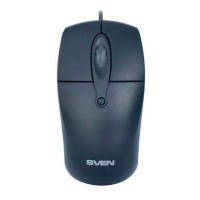
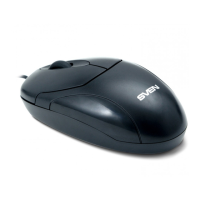
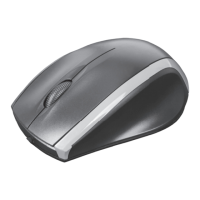
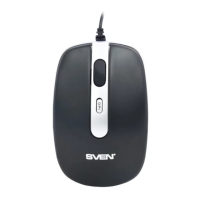
RX-165
2
User’s Manual
ENG
Value
Windows XP/Vista/7/8
Optical
800
2 + 1 (scroll wheel)
USB
FCC, CE
1.5
Parameter, measurement unit
OS required
Type of mouse
Resolution, dpi
Q-ty of buttons
Interface
Conformity with
Сable length, m
TECHNICAL SPECIFICATIONS
TROUBLESHOOTING
Problem
Mouse is not working.
Solution
1. Disconnect mouse from PC and check con-
nector pins for possible damage. If there is no
external damage found and connector pins are
OK, connect mouse to PC.
2. Address nearest authorized service center.
Notes:
• Technical specifications given in this table are supplemental infor-
mation and can not give occasion to claims.
• Technical specifications are subject to change without notice due to
improvement of SVEN production.



 To Next Page