ENG
4
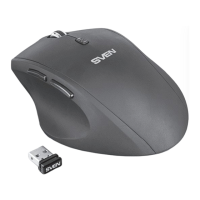
Wireless Optical Mouse
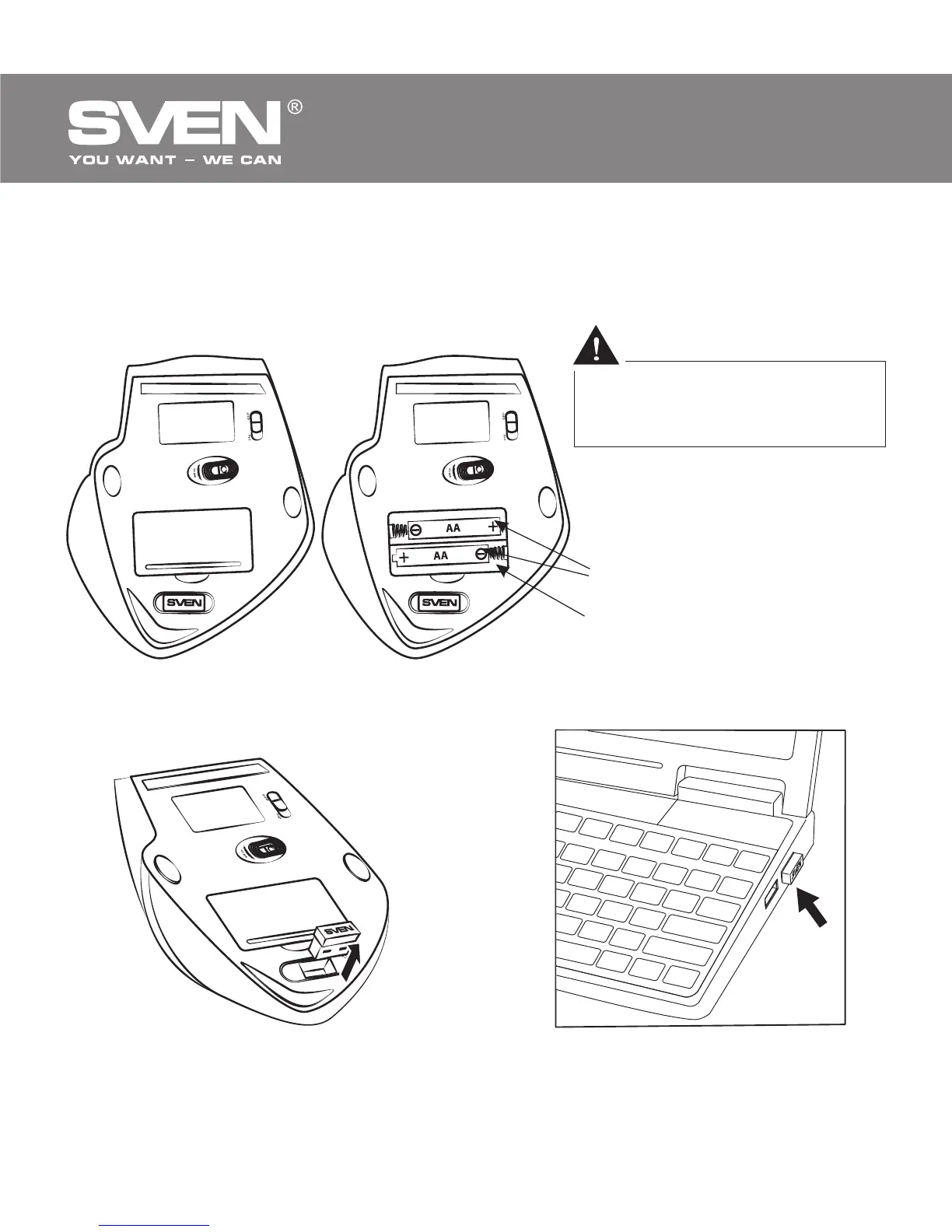
Improper installation of
batteries can result in
failure of the mouse!
• Turn on the mouse with the on/off switch d (the On position). To activate
the mouse, press any button of the mouse or turn the scroll wheel. If the
mouse is connected correctly, it will turn on automatically.
Fig. 4. Batteries installation
Fig. 5. Extraction of the receiver
from the mouse case
Fig. 6. Receiver connection
2 × AA type batteries
Battery
compartment
Battery cover



 To Next Page