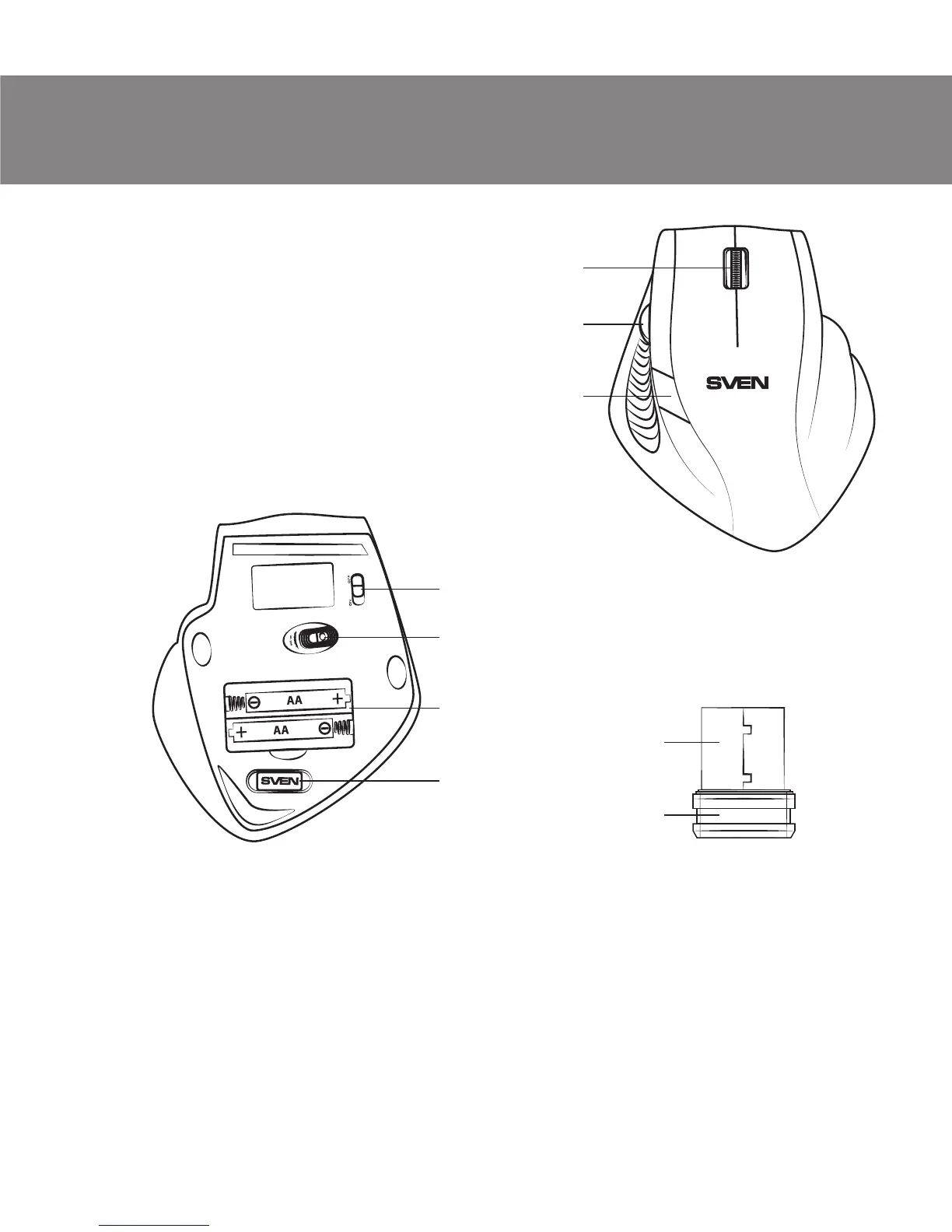
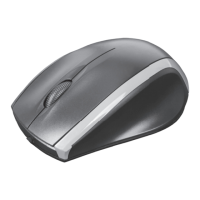
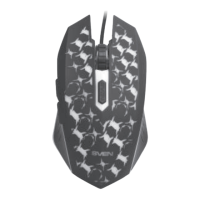
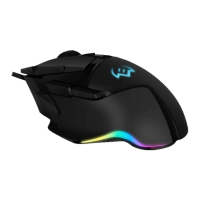
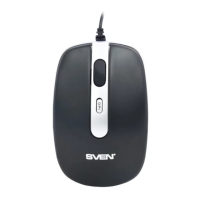
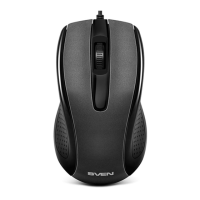
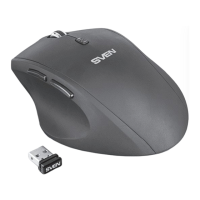
Fig. 1. Top view
Fig. 2. Bottom view
Fig. 3. Nano receiver
g
h
d
e
f
g
a
b
c
4. DESCRIPTION
a Scroll wheel
b Аdditional scroll wheel for navigation
c Resolution switch
d on/off: Power on/off switch
e Optical sensor
f Battery compartment
g Nano receiver
h USB connector
5. INSTALLATION
• Open the cover of the mouse battery compartment f, insert two AA
type batteries into the battery compartment, matching the polarity, and
close the cover of the battery compartment (see Fig. 4).
• Pull out the nano receiver g from the mouse (Fig. 5) and connect it to an
available PC USB port without switching off the PC (Fig. 6).
ENG
3
User’s Manual
RX-333W



 To Next Page