AA
ENG
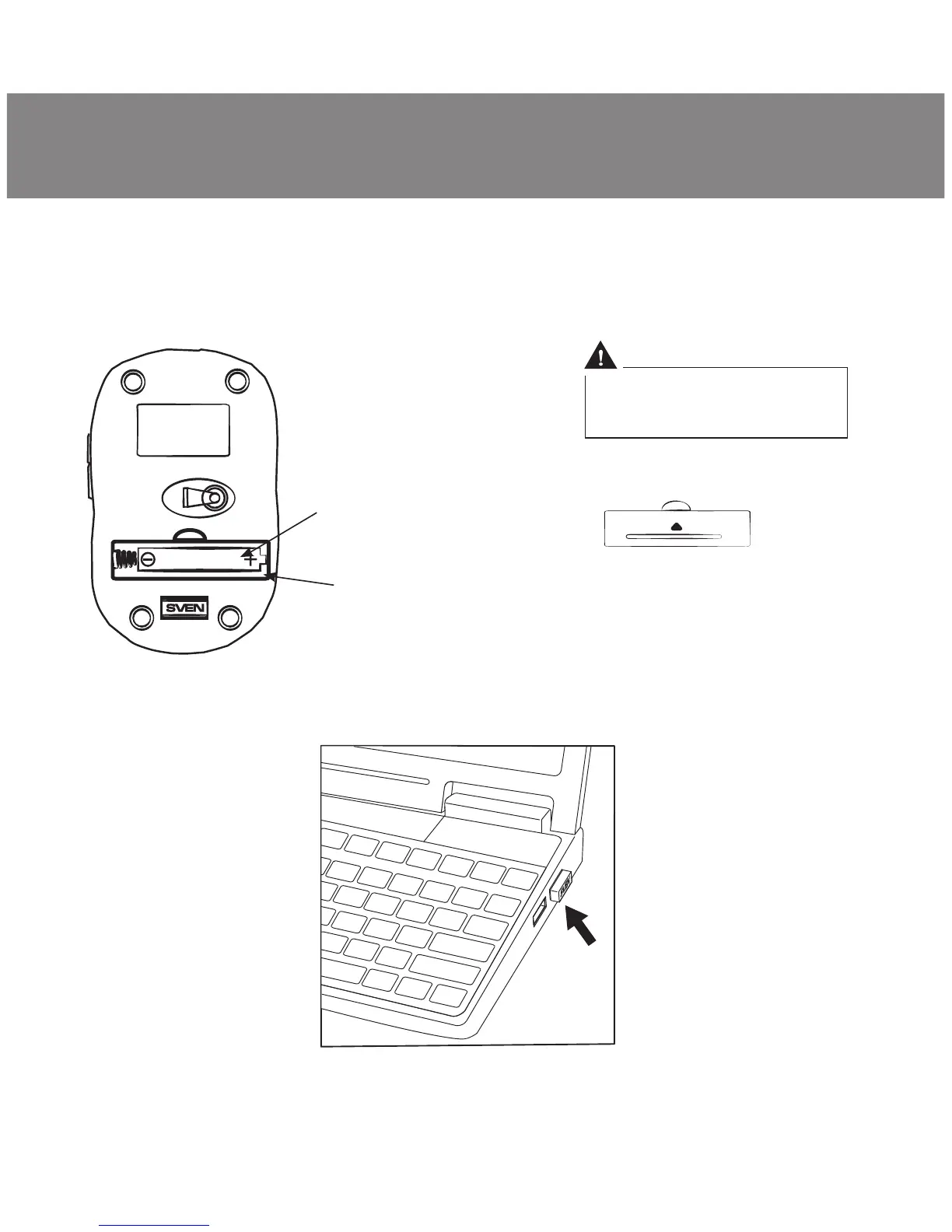
АА type batterу
Battery
compartment
Battery compartment
cover
Fig. 4. Battery installation
Fig. 5. Receiver connection
Improper installation of
batterу can result in failure
of the mouse!
5
User’s Manual
• To activate the mouse, press any button of the mouse or turn the scroll
wheel. If the mouse is connected correctly, it will turn on automatically.
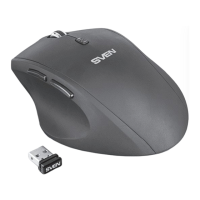
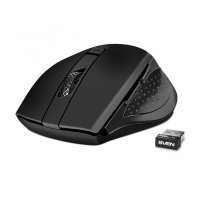
RX-425W


 To Next Page