d
e
f
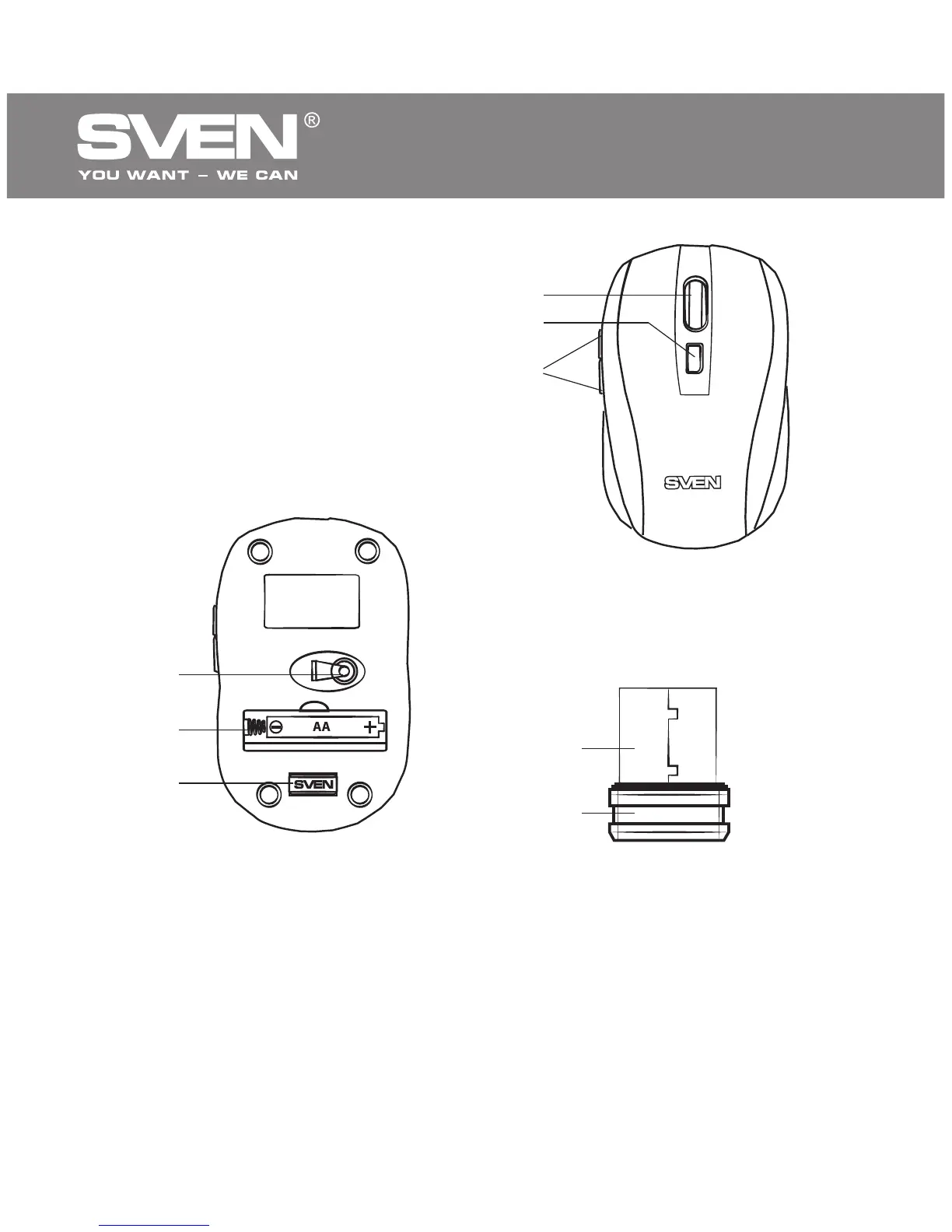
4. DESCRIPTION
a Scroll wheel
b DPI switch
c Forward and Back navigation
buttons
d Optical sensor
e Battery compartment
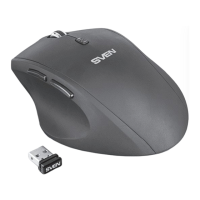
f Nano receiver
g Connector USB
f
g
ENG
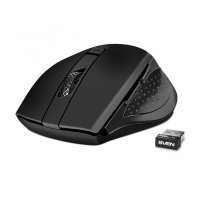
Fig. 1. Top view
Fig. 2. Bottom view
Fig. 3. Nano receiver
5. INSTALLATION
• Open the cover of the mouse battery compartment e, insert one AA
type battery into the battery compartment matching the polarity, and close
the cover of the battery compartment (see Fig. 4).
• Сonnect the included nano receiver f to a free PC USB port (Fig. 5).
4
Wireless Optical Mouse
c
a
b


 To Next Page