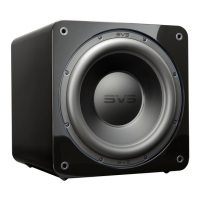
SB-4000
SUBWOOFER
CONNECTING & CONTROLLING YOUR SUBWOOFER
Presets
Allows up to three pre-saved settings for movie, music and custom. This enables easy switching
to optimize your SB-4000s output and settings based on your specific listening preferences with
different kinds of content. If using the SVS App, these presets can be renamed as desired.
System Settings
Allows you to adjust subwoofer stand-by mode and display settings such as timeout and bright-
ness, and also reset the subwoofer to factory settings.
Subwoofer Name
Customize the name of your subwoofer for easy preset switching. (Exclusive SVS App
Feature)
Subwoofer Standby
Choose whether to have your subwoofer in Auto, On (Default), or Trigger mode.
Subwoofer Display
Make adjustments for:
• Content shown on the subwoofer front panel interface: Volume (default), Logo, Off
• Number of seconds before the front panel interface times out
• Brightness of display
Reset
Resets SB-4000 Subwoofer back to original Factory Settings.
About this App
Provides version number and other information about the SVS App and also allows you
to turn performance monitoring on/off.
owner’s manual | page 17


 To Next Page