9
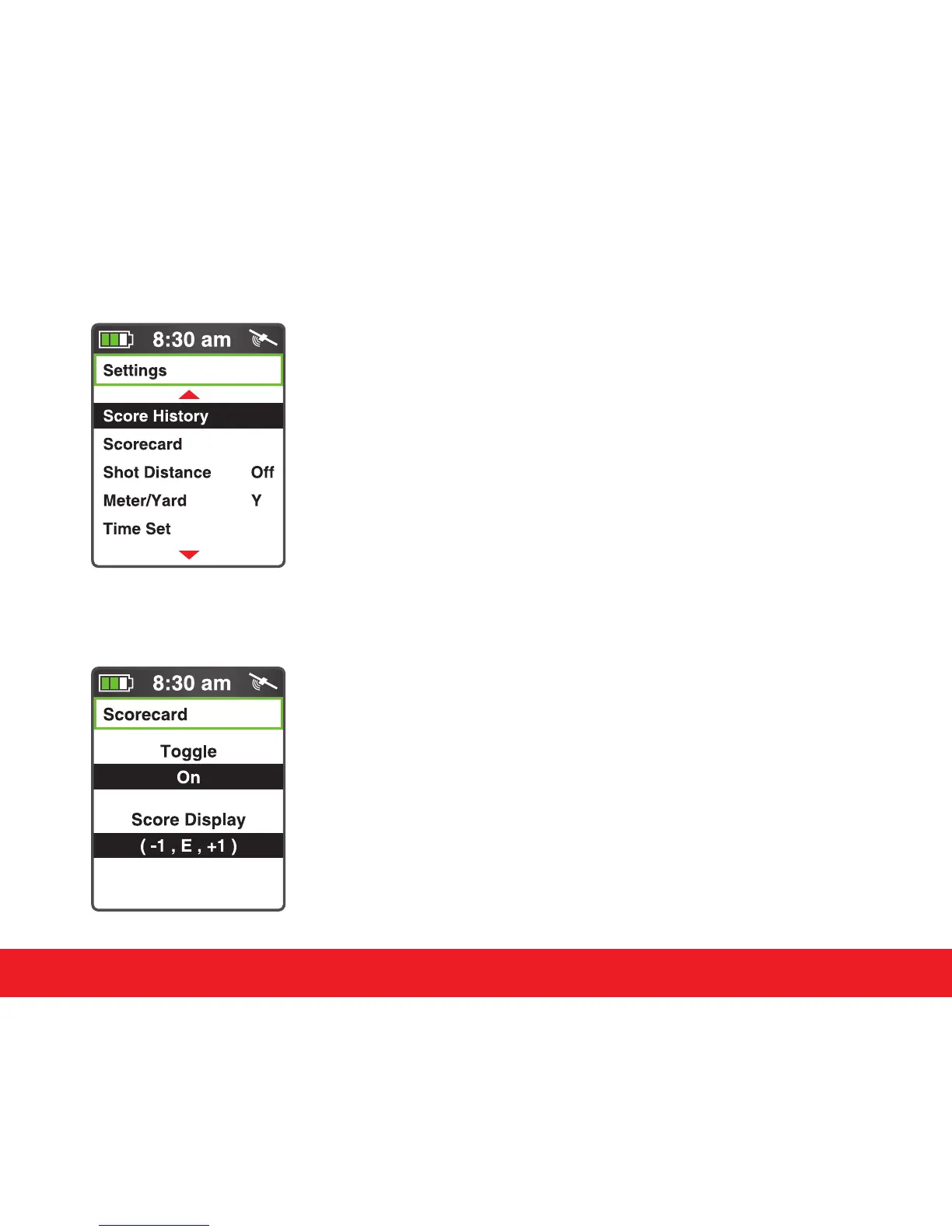
4.2 Scorecard
Select Scorecard from Settings Menu and press the [Enter]
key. Press the [Up] key to toggle the Scorecard On/O.
Press the [Down] key to select the score to be displayed
numerically or relative to par (-1,E,+1). Hold down the [Enter]
key to return to the Settings Menu.
Swami Settings
4.1 Score History
The Swami 5000 allows the user to view the last 10 saved
scores. Press the [Enter] key to select Score History . Use the
[Up] or [Down] keys to select the score you would like to view,
then press [Enter] to select. Press the [Page] key to return to
the Settings Menu.



 To Next Page