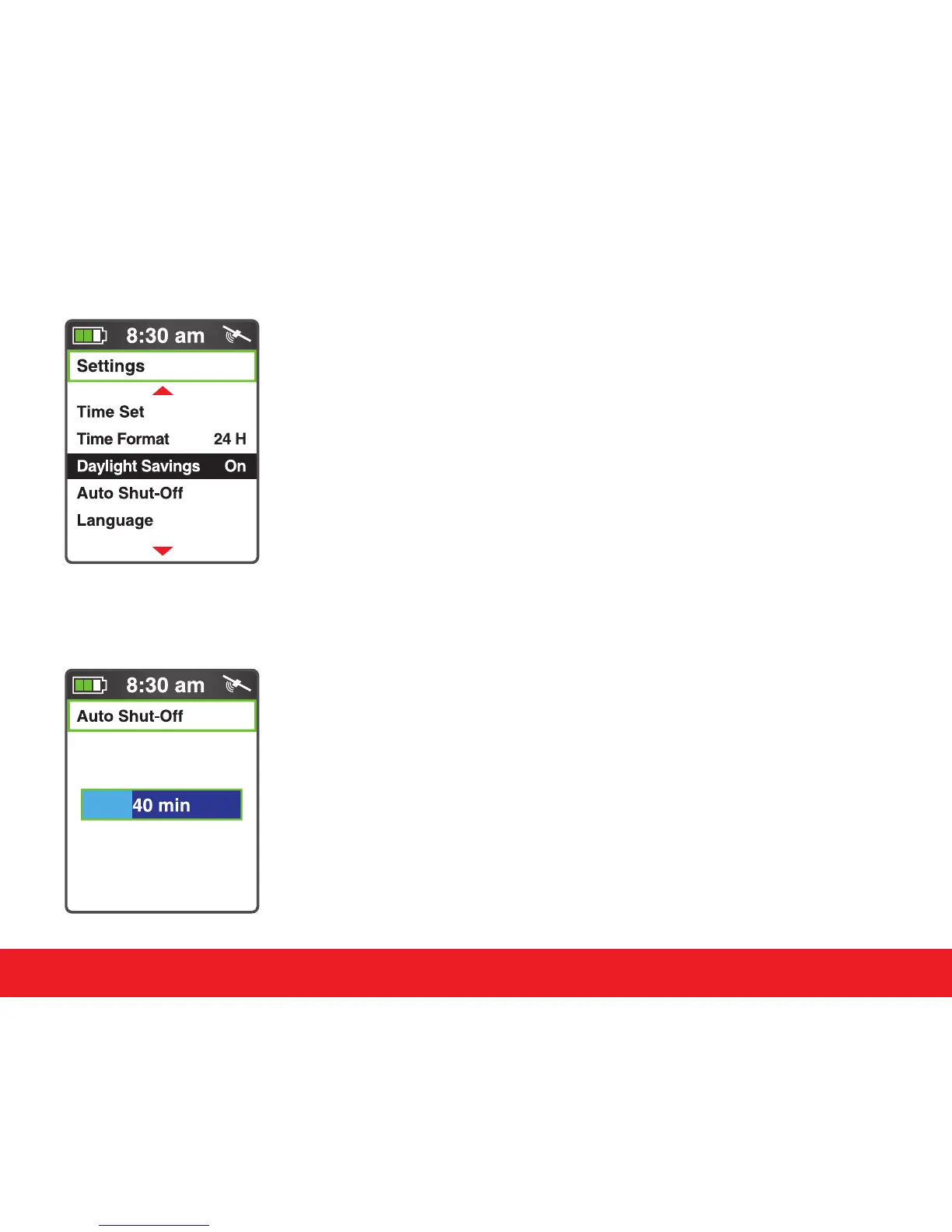
4.7 Daylight Saving Time
The Swami 5000 allows the user to toggle Daylight Saving Time
feature On or O. To edit, use the
[
Up
]
and
[
Down
]
keys to select
Daylight Saving from the Settings Menu. Press the
[
Enter
]
key
to change between On or O. Press and hold the
[
Enter
]
key to
return to the Start Menu.
4.8 Auto-Shut O
The Swami 5000 features auto power-o function to save power.
If you don’t touch any key for a specic time period, the device
will power o automatically. Select the Auto Shut-O option
on the Settings Menu and press the
[
Enter
]
key
.
Use the
[
Up
]
or
[
Down
]
key to edit the amount of idle time before the device
powers o. To return to the Settings Menu screen, press the
[
Enter
]
key.
12
Swami Settings



 To Next Page