River Run Gc
Brookwood Country Cl
Green Island Gc
Pineway Gc
3. Using Swami on the Course
3.1 Course Recognition
After you turn on your unit, select Play option from Start Menu
and press
[
Enter
]
. The Swami 5000 will search for
surrounding courses that the device supports. When the
device has found the courses, it will list them. Use the
[
Up
]
and
[
Down
]
keys to select your golf course, then press the
[
Enter
]
key.
(Note: First time use may take several minutes to locate the satellite, please
reference Satellite Location Time in the Basic Specications chart on page 4).
3.2 Play Mode
Press the
[
Up
]
and
[
Down
]
keys if you need to change the hole
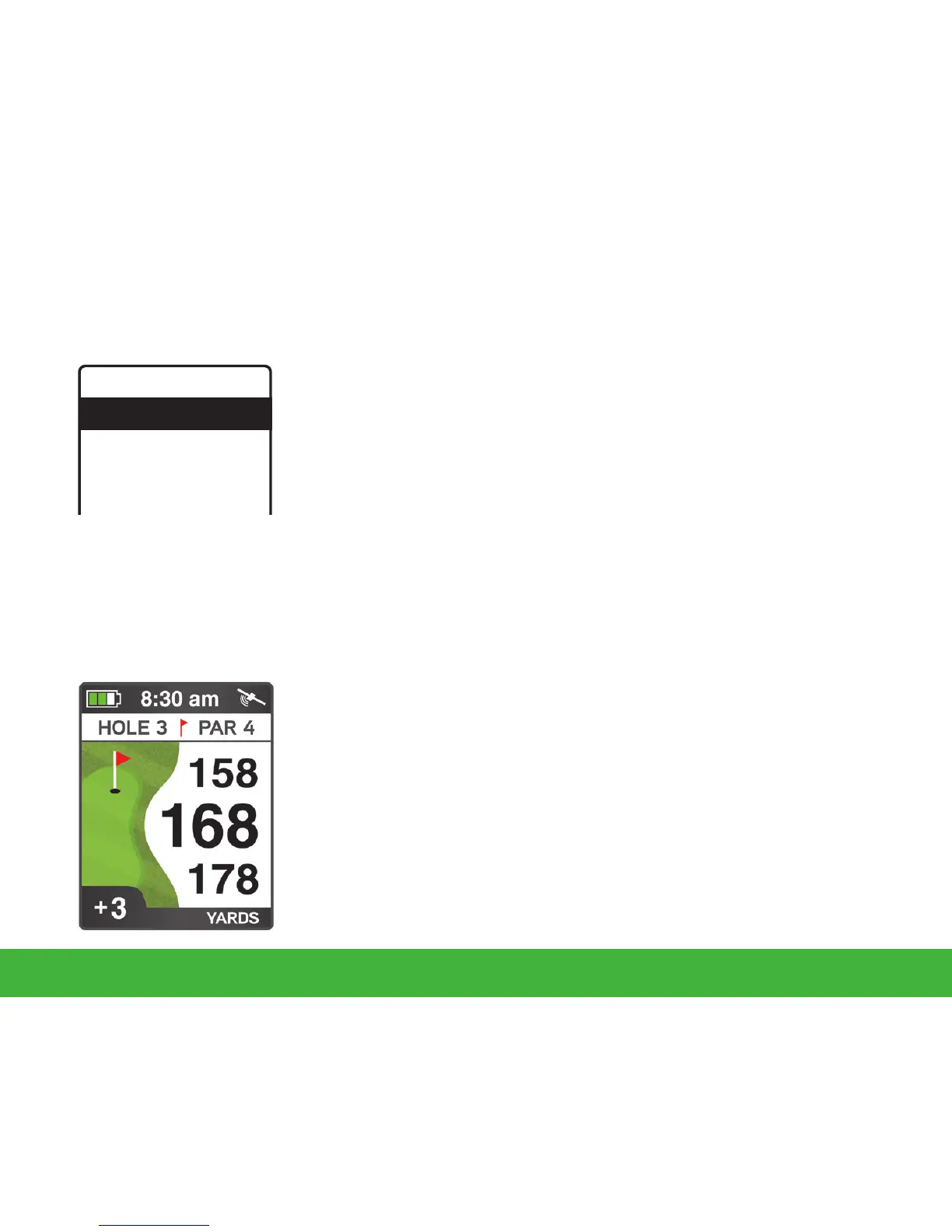
number. Play Mode will now display the distance to the Front,
Center and Back edge of the green for the current hole.
Auto Hole Advance*: Swami 5000 will automatically switch to
the next hole without the use of the
[
Up
]
and
[
Down
]
keys.
6
Using Swami on the Course



 To Next Page