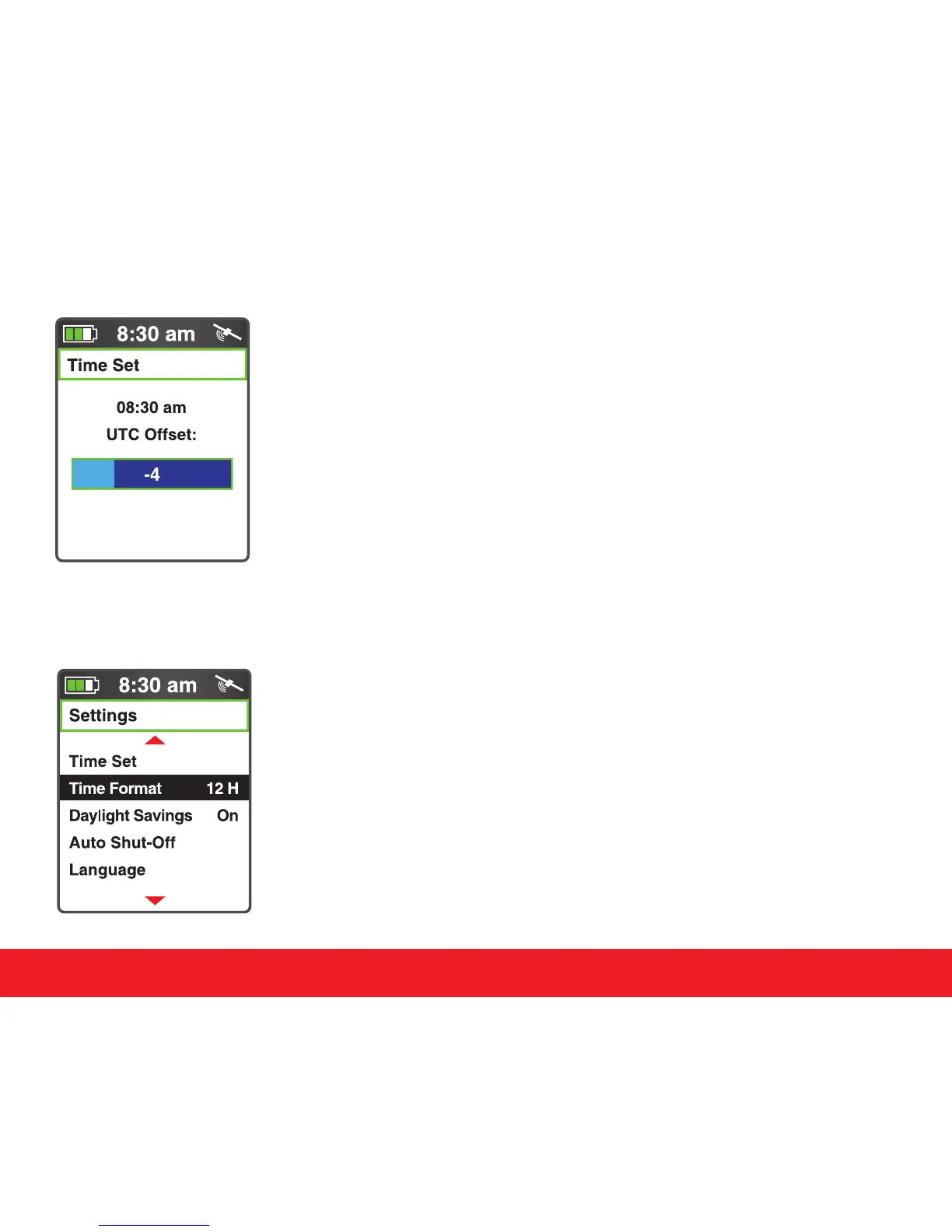
4.5 Time Set
The Swami 5000 will set the time automatically according to your
location and relevant data of GPS satellites; but you can manually
adjust the time by hour. Select Time Set from the Settings Menu.
You can increase or reduce the time with the [Up] and [Down]
keys. Press [Enter] when nished.
4.6 Time Format
The Swami 5000 provides two Time Format options. You can
choose from 12 Hour or 24 Hour. To edit, use the
[
Up
]
and
[
Down
]
keys to select Time Format from the Settings Menu. Press the
[
Enter
]
key to change between 12H and 24H. Press and hold the
[
Enter
]
key to return to the Start Menu.
Swami Settings
11



 To Next Page