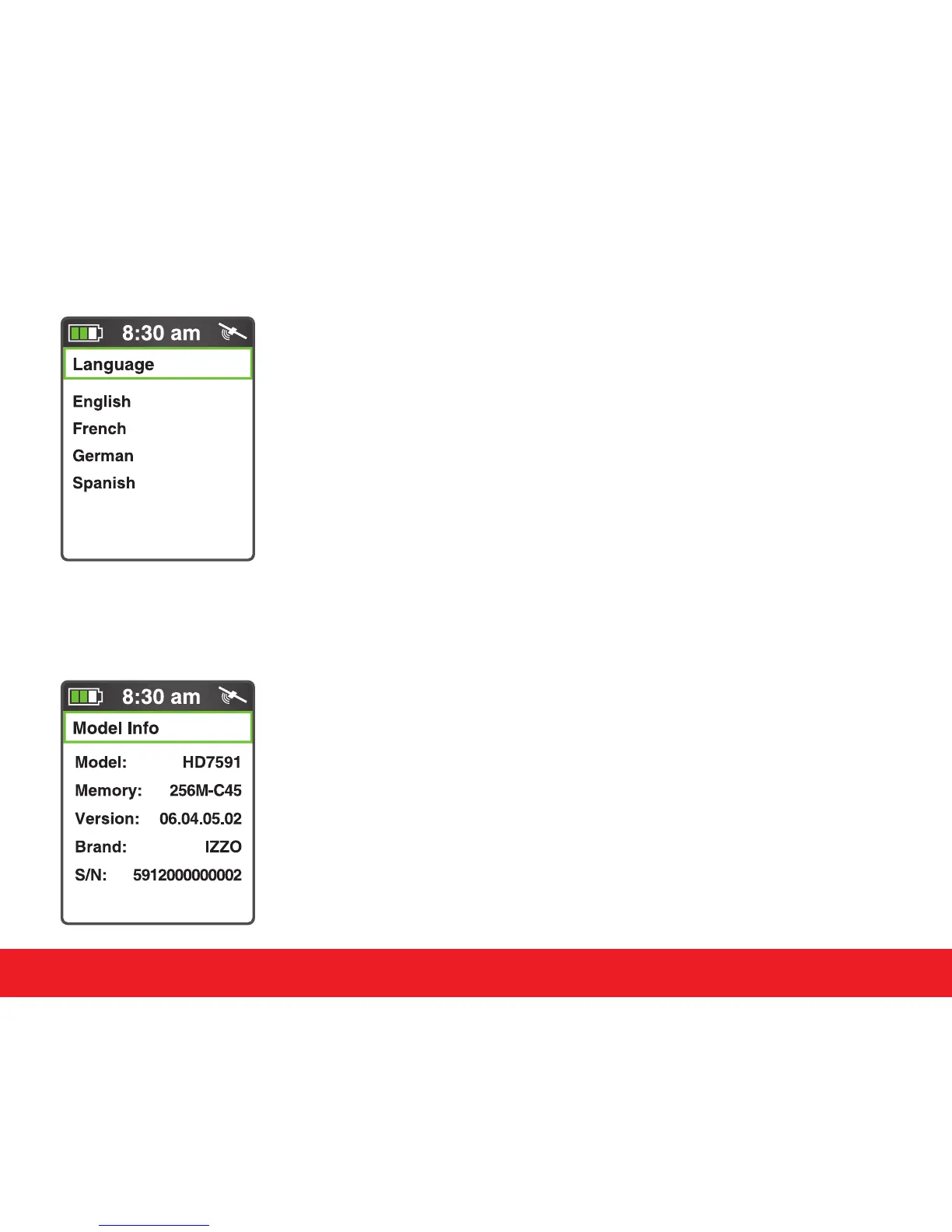
4.9 Language
To change the language of the device, select the Language
option in the Settings Menu. Use the
[
Up
]
and
[
Down
]
keys
and scroll to the desired language, then press the
[
Enter
]
key to
select it.
The following languages are available:
(English, French, German, Spanish).
4.10 Model Info
To view the Swami 5000 model information, select Model Info from
the Settings Menu screen. There you can view the (Model
Number, Memory, Version, Brand and Serial number) of unit.
To return to the Settings Menu screen, press the
[
Enter
]
key.
13
Swami Settings



 To Next Page