10
4.3 Shot Distance
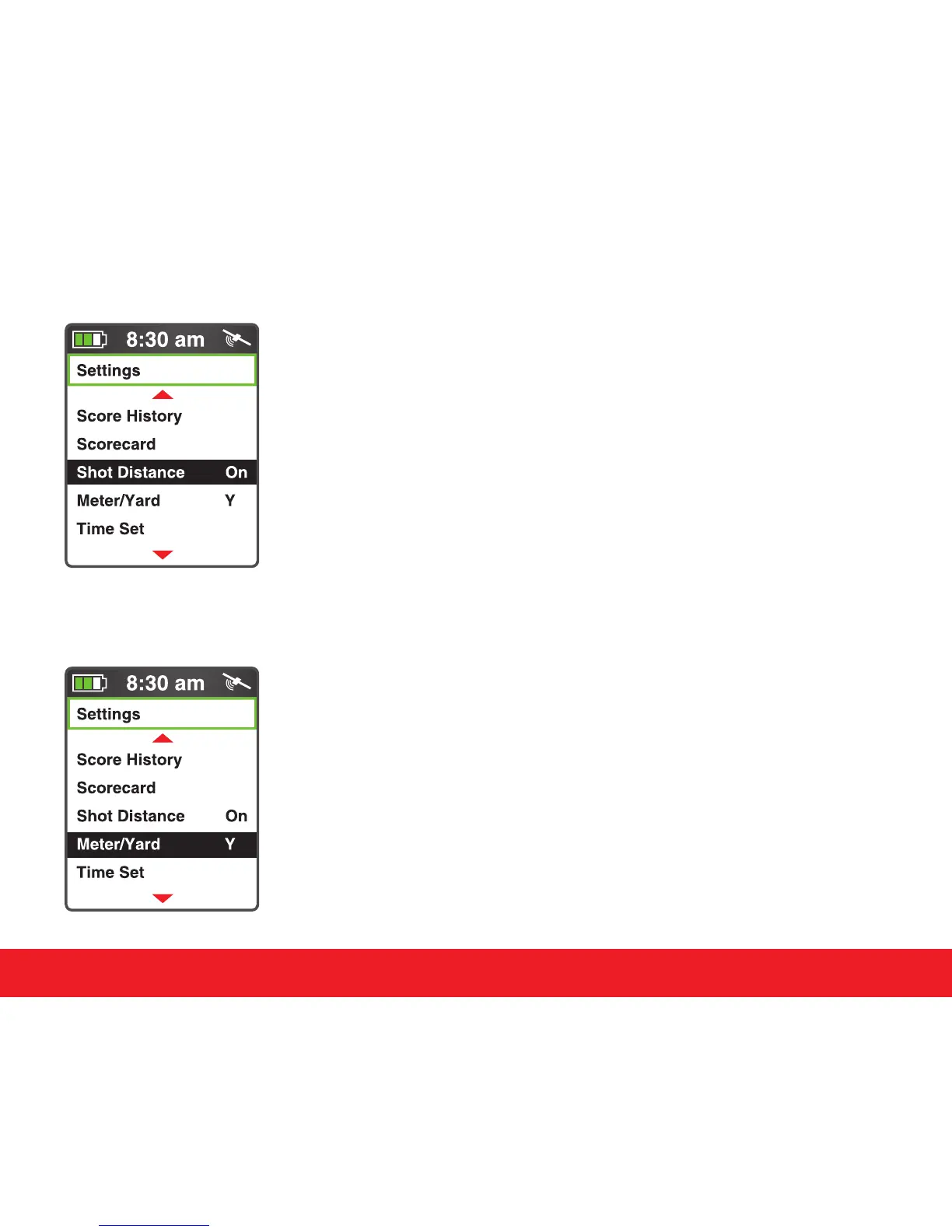
Select Shot Distance from Settings Menu and press the
[Enter] key. Press the [Up] key to toggle the Shot Distance
feature On/O.
4.4 Meter/Yard
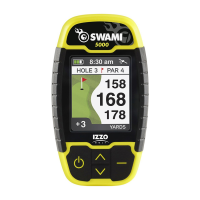
The Swami 5000 allows users to change the unit of measure
between yards or meters. Select the Meter/Yard option on the
Settings Menu then press
[
Enter
]
to change the unit of measure.
(Note: Y = Yard and M = Meter). When desired option is selected,
press and hold
[
Enter
]
key for a few seconds to return to the
Start Menu.
Swami Settings


 To Next Page