EasyManua.ls Logo

Swann PRO-series - User Manual

Swann PRO-series
60 pages
Print Icon
To Next Page IconTo Next Page
Loading...
English
1
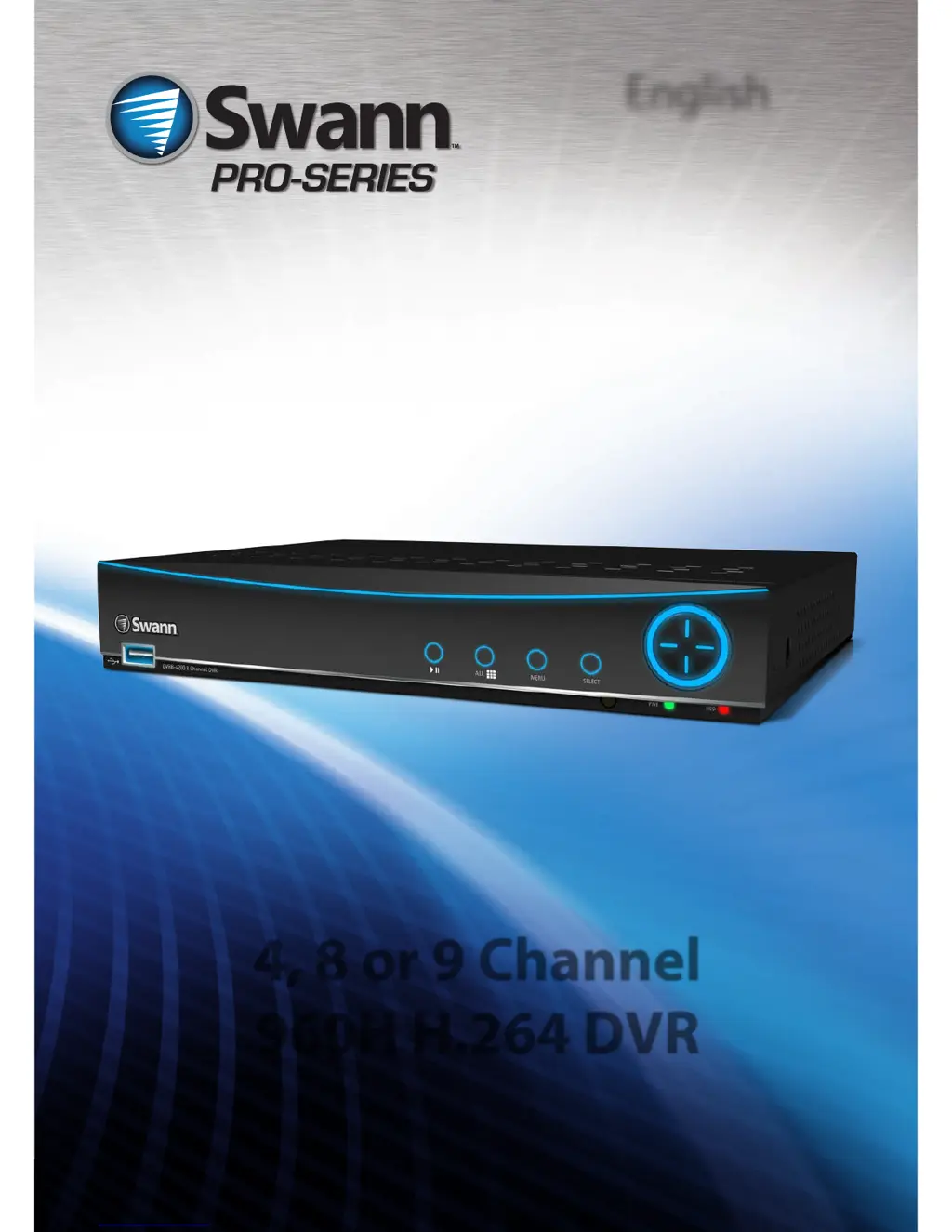
4, 8 or 9 Channel
960H H.264 DVR
M4200_3200H160413E
English

Table of Contents

Other manuals for Swann PRO-series

Questions and Answers

  • E
    Elizabeth ClarkJul 26, 2025
    What to do if I can’t login to my Swann DVR because of a wrong password?
    • C
      castrodanielleJul 26, 2025
      The default username for your Swann DVR is “admin”, with a blank password. Try leaving the password section blank when logging in. If that doesn't work, try using '12345' as the password, though it should be disabled by default.
  • A
    angela90Aug 5, 2025
    How to eliminate false triggers on Swann PRO DVR motion detection?
    • K
      Kevin HarrisonAug 5, 2025
      While there's no surefire way to completely eliminate false triggers, you can reduce them by fine-tuning your Swann DVR's motion detection settings. Mask any redundant movement, such as trees blowing in the wind or roads with passing cars. Fine-tune your sensitivity and adjust your image settings, specifically brightness and contrast, to remove noise, as the DVR processes video before looking for motion.
  • R
    Ricky StevensAug 15, 2025
    Why are my Swann DVR camera images black and white or flickering?
    • D
      David MorenoAug 15, 2025
      The most likely reason for black and white or flickering images on your Swann DVR cameras is an incorrect Video Standard setting for your region. If you are in the USA or Canada, set your video standard to NTSC. If you are in Europe, the UK, or Australia, set it to PAL. If the issue affects only some cameras, they might not be compatible with the DVR's video standard, as the DVR can only support one at a time.

Summary

Introduction

Connecting the DVR

Guides on connecting cameras and display devices to the DVR's front and rear panels.

Basic Setup

General Configuration

Guides through initial DVR setup, including language, video standard, time zone, and date format.

HDD & Networking Setup

Covers hard drive initialization, formatting, and basic network configuration for connectivity.

DDNS & Email Setup

Details setting up Dynamic DNS for remote access and email alerts for event notifications.

Alarm Configuration

Details configuring motion detection, video loss alarms, and system exceptions for alerts.

Advanced Configuration

Recording Configuration

Details recording encoding parameters, frame rates, bitrates, and recording options like overwrite and pre-record.

Recording Schedule

Explains how to set up a recording schedule for specific channels and times based on Normal or Motion detection.

Playback and Search Functions

Guides on how to search, play back recorded video footage, and select video types.

Alarm and Device Settings

Covers advanced alarm configurations (motion, video loss, exceptions) and device settings (HDD, PTZ).

Troubleshooting

Image Display Issues

Addresses common issues with camera images appearing blank, black & white, or flickering.

Login and Password Problems

Provides solutions for login failures, incorrect password messages, and forgotten passwords.

Reducing False Motion Triggers

Offers practical tips and methods to reduce false triggers in motion detection settings.

Helpdesk and Support

Swann PRO-series Specifications

General IconGeneral
Video OutputHDMI, VGA
Motion DetectionYes
Video Input Channels4 / 8 / 16
Compression FormatH.264
Network InterfaceEthernet
USB InterfaceUSB 2.0
Operating Power12V DC
AlertsEmail alerts, push notifications
Operating Temperature-10°C ~ 55°C (14°F ~ 131°F)
Remote AccessYes (via SwannView Link app)

Related product manuals