EasyManua.ls Logo

Swift S41-20 - User Manual

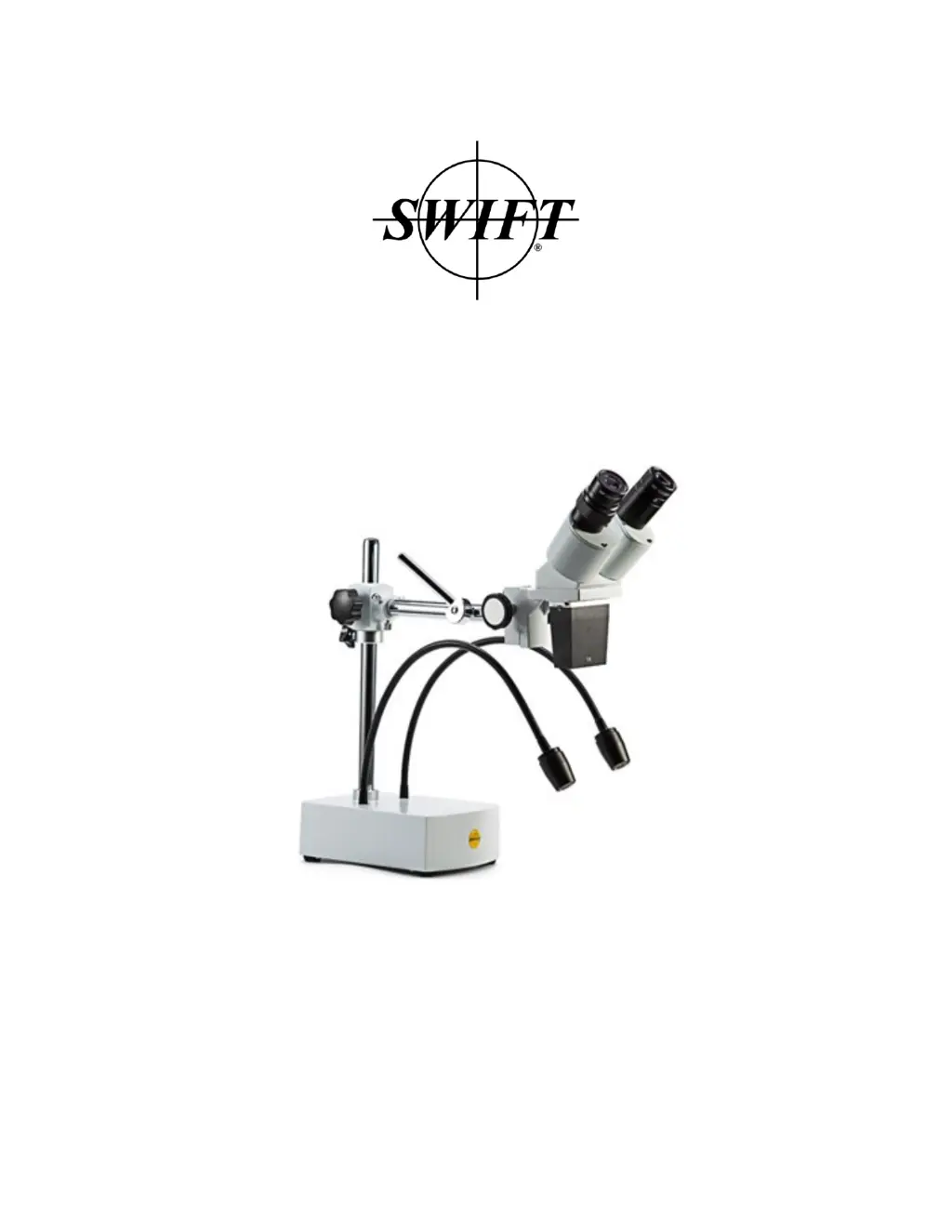
Swift S41-20
9 pages
Print Icon
To Next Page IconTo Next Page
Loading...
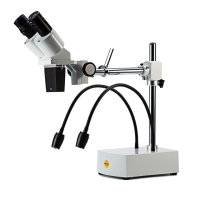
User Guide: the Swift S41-20 Stereo Microscope

Questions and Answers

  • D
    ddavisJul 28, 2025
    Why is the image blurry on my Swift Microscope?
    • J
      Jacqueline MartinJul 28, 2025
      If the image appears blurry when using your Swift Microscope, several factors could be the cause. First, the objective surfaces might be dirty, in which case you should clean the objective. Second, the diopter adjustment may not be correct, so readjust the diopter. Lastly, the focus could be incorrect, so try readjusting the focus.
  • W
    wdeckerAug 2, 2025
    What to do if the illumination doesn't work on my Swift Microscope?
    • B
      bradleyjohnsonAug 2, 2025
      If the illumination on your Swift Microscope doesn't work when the switch is on, the most likely cause is a problem with the power supply. Check the connection to ensure it is properly connected to a power source.
  • C
    Clinton RiveraAug 6, 2025
    Why am I seeing double images on my Swift S41-20?
    • M
      Maria BlackburnAug 7, 2025
      If you're seeing double images through your Swift Microscope, it could be due to a few reasons. First, the interpupillary distance might not be set correctly; try readjusting the eyepieces. Second, the diopter adjustment may be off; try readjusting the diopter rings. Finally, ensure that the magnification of each eyepiece is the same and mount eyepieces of the same magnification if needed.
  • C
    Cynthia SharpAug 12, 2025
    What to do if dirt appears in the field of view of my Swift Microscope?
    • T
      Thomas CunninghamAug 12, 2025
      If dirt appears in the field of view of your Swift Microscope, it could be due to: * Dirt on the specimen, in which case you should clean the specimen. * Dirt on the surfaces of the eyepiece, so clean the surfaces.
  • J
    Jeffrey MatthewsAug 16, 2025
    Why does the head keep slipping down on my Swift S41-20 Microscope?
    • S
      Sherry LambAug 17, 2025
      If the head of your Swift Microscope keeps slipping down, the focusing knob might be too loose. Tighten it to a suitable position to secure the head.
  • V
    Valerie CarterAug 22, 2025
    How to fix a focusing knob that is not smooth on a Swift Microscope?
    • R
      rebecca00Aug 22, 2025
      If the focusing knob on your Swift Microscope is not smooth, it might be too tight. Loosen it to a suitable position to improve its smoothness.

Summary

Microscope Specifications

Microscope Components Overview

Microscope Assembly Instructions

Operating Your Microscope

Interpupillary Distance Adjustment

Adjusts the distance between the eyepiece tubes for clear viewing.

Microscope Focusing Guide

Guides on using focusing knobs for clear sample imaging.

Magnification and Working Distance Explained

Explains how eyepieces affect magnification and working distance.

Maximizing Working Surface Area

Tips on using flexible lights and arms to cover larger areas.

Focusing Knob Tension Adjustment

Instructions for using a spanner to adjust focus knob tension.

Microscope Maintenance and Repair

Microscope Cleaning Procedures

Procedures for cleaning lenses and other microscope surfaces.

Proper Microscope Storage

Guidelines for storing the microscope to prevent damage and rust.

Microscope Repair and Service

Advice on contacting Swift representatives for microscope repairs.

Troubleshooting Common Issues

Warranty and Customer Support Information

Manual and Software Download Guide

Information on downloading user manuals and relevant software online.

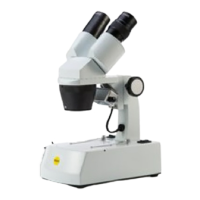
Swift S41-20 Specifications

General IconGeneral
Observation tubeBinocular
Interpupillary distance55-75 mm
EyepiecesWF10X, WF20X
Objective1X
Total magnifications10x, 20x
Inclination45° inclined
StandSingle-arm stand, φ18mm vertical pillar, vertical pillar height 280mm, stand dimension 187 x 132 x 56mm
Working distance230mm
FocusingFocus travel range 41mm
Max. specimen thickness67mm
IlluminationTwo flexible gooseneck 1W LED lights
Power supply110-240V

Related product manuals