Page 8 3481.501.02 Version 1.1
2.2 Operation
2.2.1 Stand Alone Operation with TIMER (Quantum, Chronos, ARES)
1. Connect
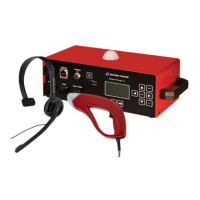
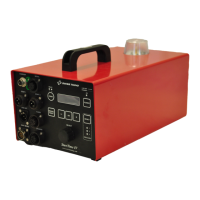
or SMU to GUN/MICRO
2. Connect the cable from TIMER to START 1.
3. Turn the unit ON by pressing the
key (>0.5sec.).
SMU :
LEDs are tested and Recallers LEDs blink till sport selection is made.
e
-GUN : LEDs are tested and then red LED blinks till sport selection is made
4. Select your sport (Athletics, Swimming, Speed Skating or Custom)
After 5 seconds, sport will be automatically selected to your last used.
SMU :
ST4 power lamp will light up and red LED SPEAK in the microphone should be lit.
e
-GUN: ST4 power lamp will light up.
If the TIMER is cleared and ready for start or
and/or don't use
READY, ST4 /
/ SMU LEDs READY 1-2 would be lit as well.
5. Adjust the volume button on the StartTime IV to an appropriate level.
6. Check if READY signal green LED (ST4 /
/ SMU) is on.
7. Press the TRIGGER (
) or START (SMU) button
8. One signal should sound from the loudspeaker(s), and the TIMER should be activated.
If a false start is to be announced, press the TRIGGER (
) or START (SMU) button
again within time selected in
.
False start signal(s)
and will be heard
The level of the start / false start signal can be adjusted on the main unit.
The unit cannot be started, if one of or is selected to
, and TIMER is not cleared.
The false start signal is only functional if is selected from to
seconds. Select
to. if false signal is not used.


 To Next Page