EasyManua.ls Logo

Swissvoice MP03 - Switching the mobile phone off and on; Key lock

Swissvoice MP03
Print Icon
To Next Page IconTo Next Page
To Previous Page IconTo Previous Page
Loading...
Swissvoice MP03
80
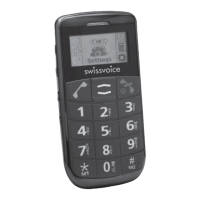
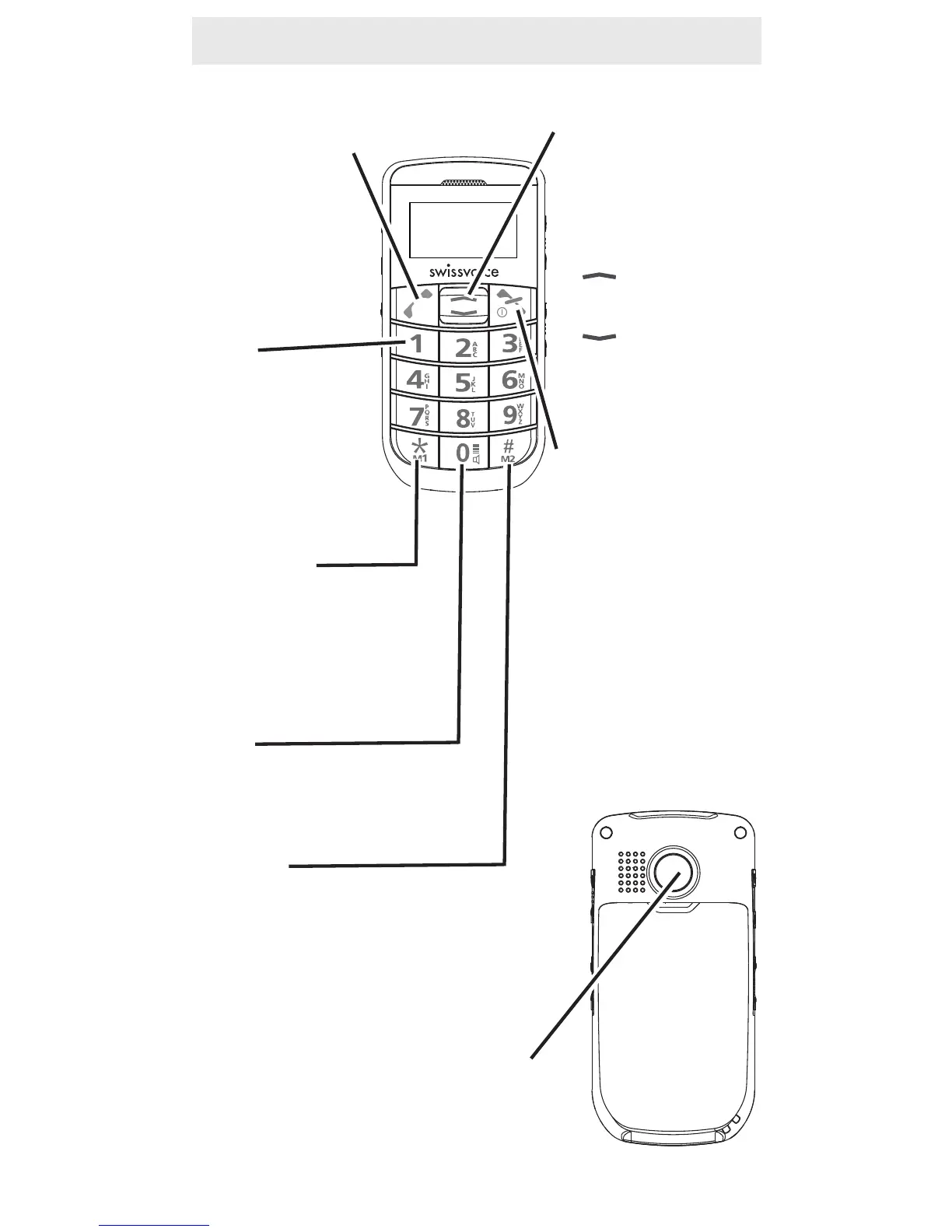
Key Functions
Call button:
- Take a call or
dial a number
- Open the redial
list
Key 1
- Press and hold
down for direct
access to net-
work answer
machine
Asterisk key
- Press and hold down:
speed dial key M1
- Radio operation:
channel scanner
Key 0
- Insert a space
- Switch to handsfree
Hash key
- Press and hold down:
speed dial key M2
- Switch between upper and
lower case lettering
Emergency call key
Arrow keys
- Scrolling in lists,
menus and set-
tings
- In idle mode:
-> Open main
menu
-> Open
Phonebook
End Call key:
- End or reject a
call
- Return to idle
state (during pro-
gramming)
- Switch the mobile
phone on and off

Table of Contents

Related product manuals