Swissvoice MP03
90
- Delete SMS: You can delete the message.
- Forward: You can edit the message and send it to a
different telephone number.
- Save to PhoneBk: You can store the telephone
number to the phonebook.
Deleting messages
• Press SMS, select Delete SMS and press the Call key.
• Select from the following list:
- All SMS, to delete all messages.
- Received SMS, to delete messages in the inbox.
- Sent SMS, to delete messages in the outbox.
- Draft box, to delete messages in the draftbox.
- Templates, to delete templates.
Settings
You are able to adjust various settings on the phone, and
also to reset them to their factory default values.
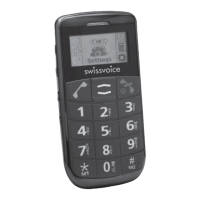
• Press , select Settings and press the Call key.
• You have the following options:
- Silent mode: The ringer is deactivated on incoming
calls.
- Vibrating Alert: Incoming calls are signalled by a
vibrating alert.
- Phone Settings
- Melody: You can select different ringer melodies.
- Volume: Adjust the ringer volumes.
- Display contrast: You can set the contrast of the
display.
- Language: You can set the display language.
- Clock Settings: You can set time and date and
the date format.


 To Next Page