Swissvoice MP03
82
Switching the mobile phone off and on
Switch off: Press and hold down the End Call Key. After
a short time the display gets dark.
Switch on: Press and hold down the End Call Key, until
the display is illuminated. Enter the PIN code and press
the Call key.
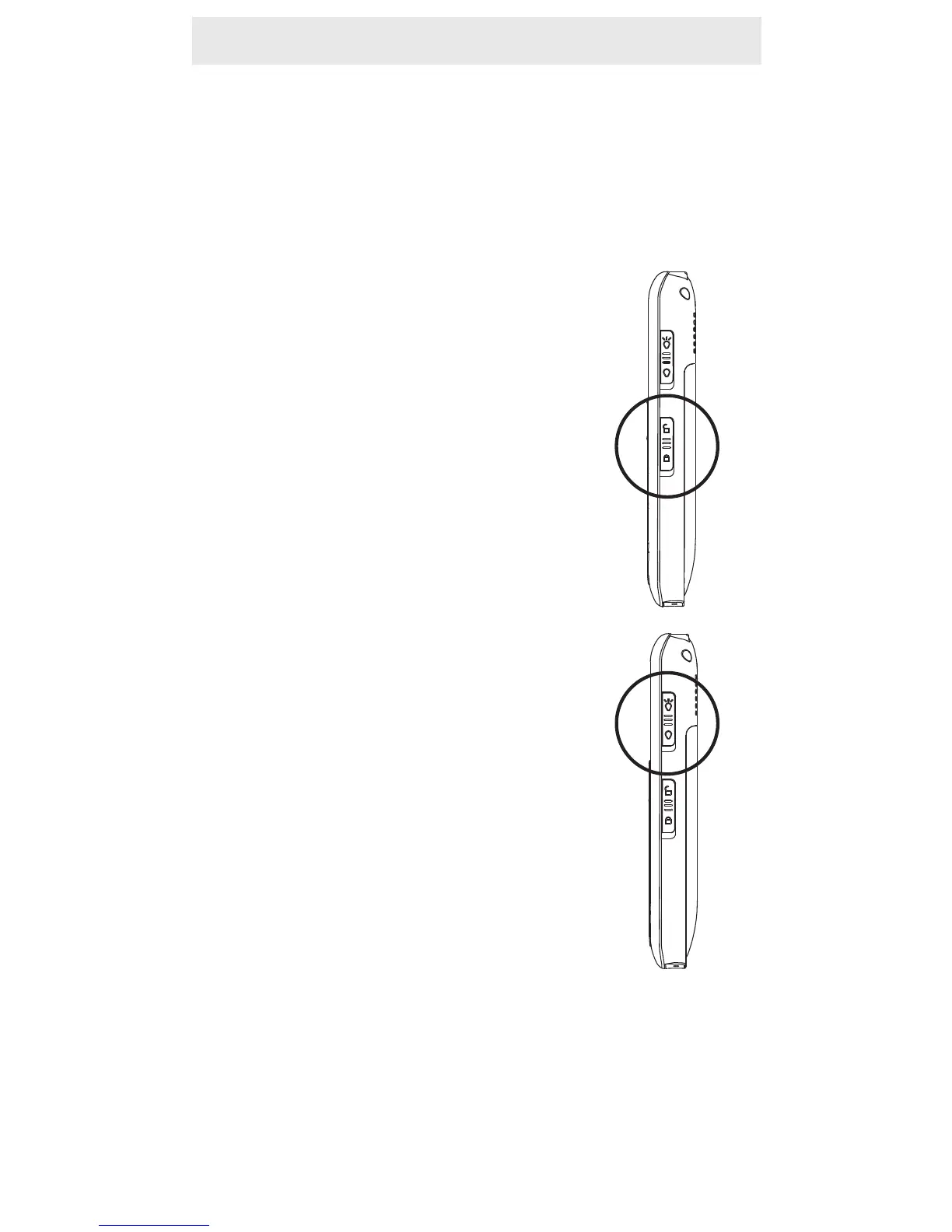
Key lock
Activate: Slide the switch on the right
hand side of the phone to the lower
position. The corresponding symbol
appears in the display. You can fur-
thermore take and reject calls. During
a call the lock is deactivated.
Deactivate: Slide the switch in the
upper position again.
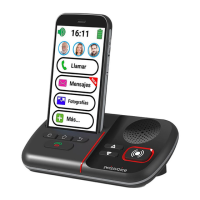
Using the torch
Activate: Slide the switch on the right
hand side of the phone to the upper
position.
Deactivate: Slide the switch in the
lower position again.
Note:
- The torch uses a high-brightness LED and you should
not point the beam directly into eyes, or view with opti-
cal instruments.
- Please note that this feature requires much energy and
so the standby time for the phone will significantly
decrease.


 To Next Page