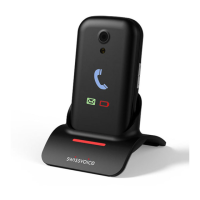
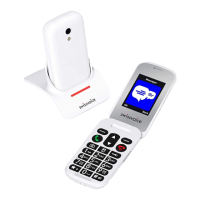
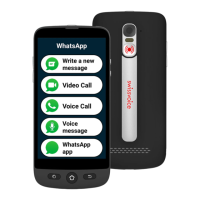
Swissvoice MP03
87
Saving a phonebook entry to a speed dial key
• Press -> Phonebook, select Quick dial keys and
press the Call key.
• Enter the name and number and confirm with the Call
key.
Call History
New entries in the call list are marked with . A new
missed call will be displayed (“Missed Call“) as long as
you did not press the Call key or the End Call key.
Viewing the call history
• Press , select Call History and press the Call key.
• Use / to select Missed calls, Dialled numbers
or Received calls. Select Delete all to delete all lists.
• In the menu Call duration you can display the duration
of:
- the last call
- all calls
- the dialled numbers
- the received calls
or you can
- Clear all timers
Note:
If you select an entry and press the Call key you have the
following options:
- Call: The telephone number is dialled.
- Send SMS: You can send a message to this telephone
number.
- Details: You get more details to this entry.
- Save to PhoneBk: The telephone number is stored in
the phonebook.
- Delete: The entry will be deleted.


 To Next Page