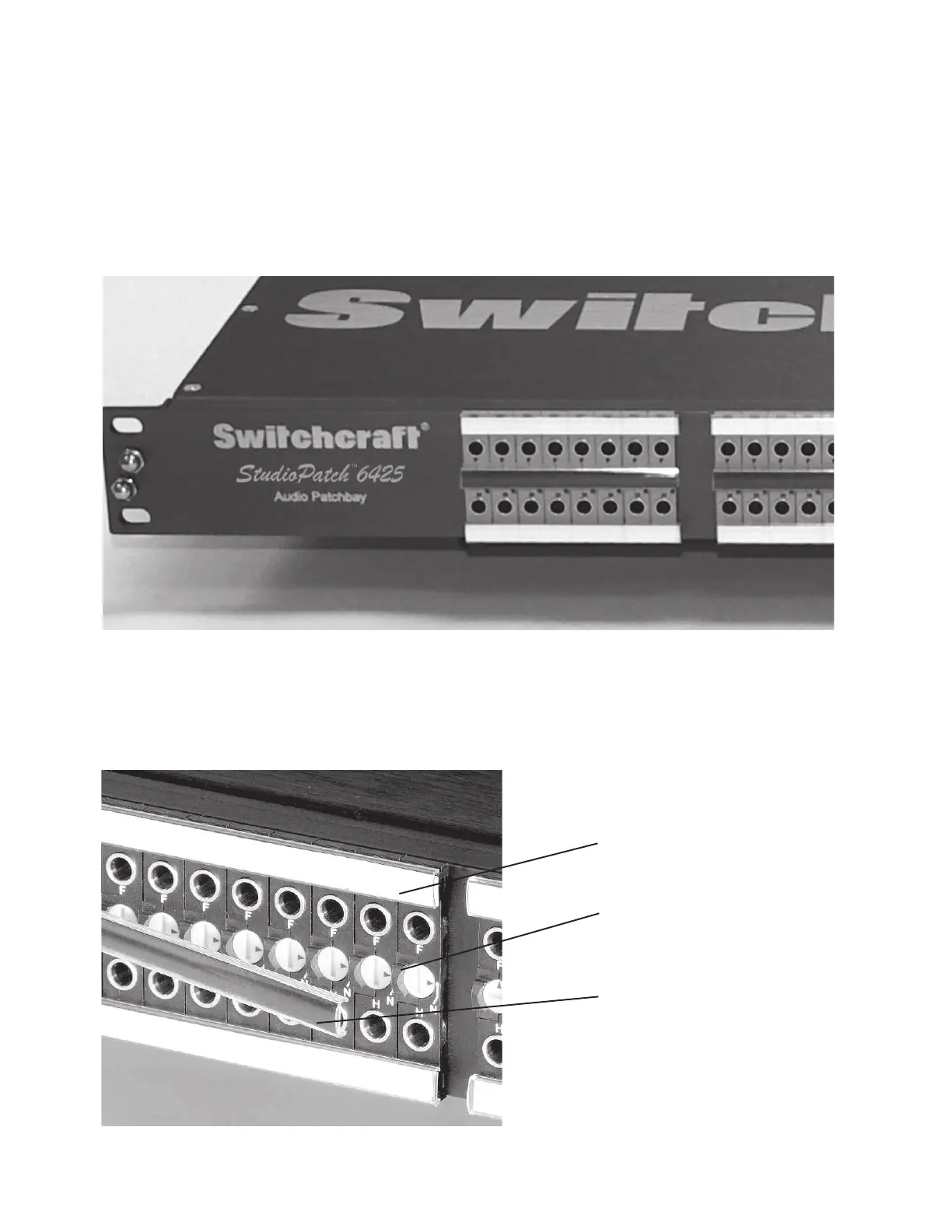
Designation Strips
Provided with your StudioPatch Series patchbay, are multiple designation strips and clear plastic
designation windows. There are eight white, two-sided strips, and four that are black on one side,
and white on the other. The all white strips are for labeling the source and destination jacks. The
black and white strips are either for labeling the center row (white side) or covering the screw
cams from being visible (black side).
After labeling your designation strips, simply press the strip into the clear designation window.
The designation window then snaps onto the top lip above the jack hole, then press down until the
cover snaps onto the bottom lip. Repeat the same process for the area between the jack holes and
the bottom row.
Designation and marking strip snapped
onto the module's top and bottom lip.
Top and bottom lip that the
designation cover snaps onto.
Center row desgnation strip with black
side showing (opposite side is white).
14


 To Next Page