Sygic GPS Navigation
User guide
Page 9 of 59
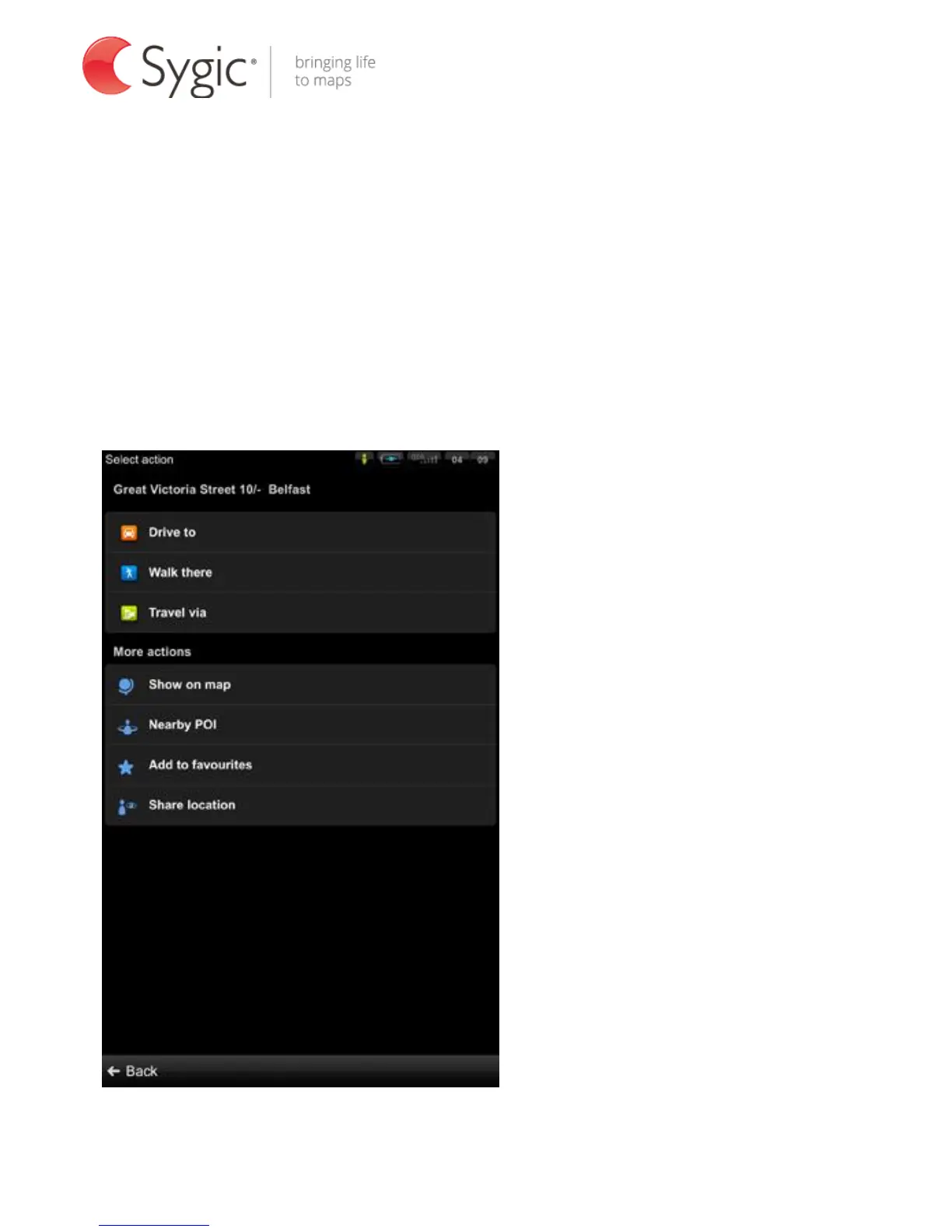
III. Action menu – basic navigation functions
A variation of Action menu appears each time you select a location by:
- Tapping and selecting a place on the map (see Browsing the interactive map)
- Setting an Address in the Navigate to… menu and tapping Done
- Selecting a Contact or Friend
- Tapping on the navigation arrow (vehicle indicator on map)
Example of Action menu after selecting a place on the map



 To Next Page