Sygic GPS Navigation
User guide
Page 15 of 59
IV.III.a Searching POI by Categories
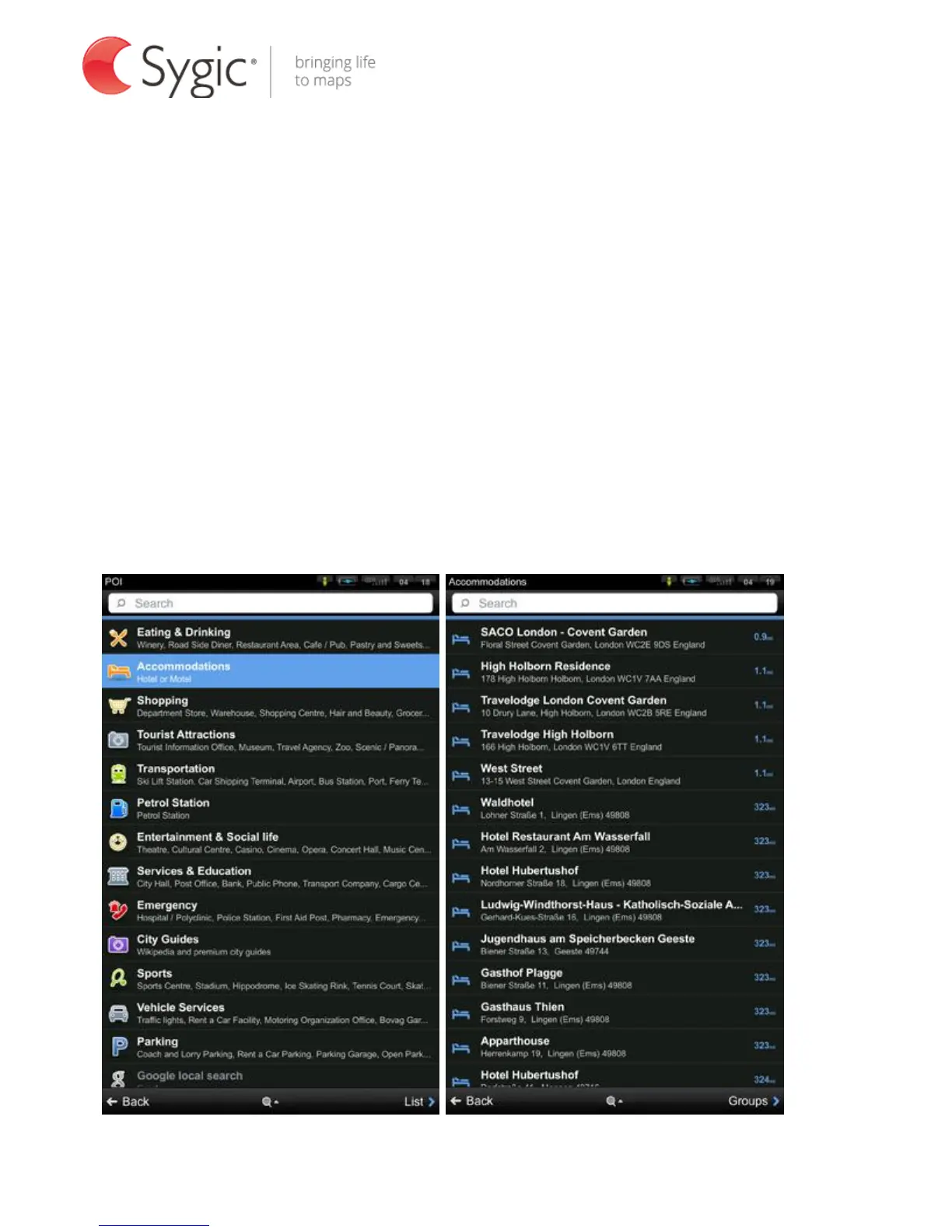
You can switch between:
- List view (shows a list of POIs nearest to chosen location)
- Groups view (shows POI categories and subcategories).
To refine your search results, tap the search icon at the bottom of the screen
and type the name of the POI you are looking for. You can also enter partial
names.
When finished, the Action Menu pops up. For more information, see the chapter
Action menu.
POI Groups view Searching selected POI group



 To Next Page