Sygic GPS Navigation
User guide
Page 27 of 59
VII. Editing & Avoiding parts of route
VII.I. Route Summary
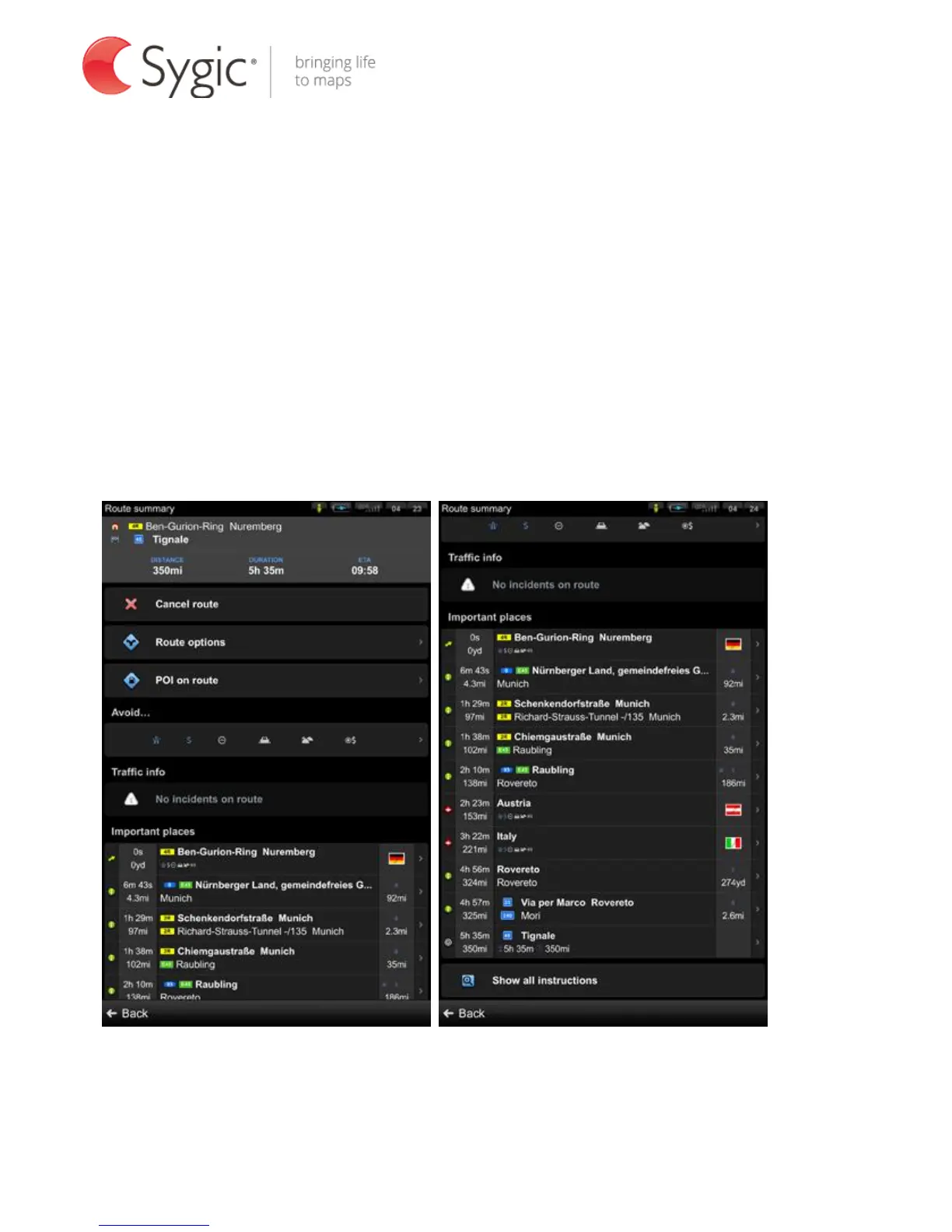
Each time a route is calculated, you can either choose to start navigation or tap
on Options to access the Route summary for detailed information about your
route and route editing options. You can also return to a planned route and
enter Route summary through Menu > Route.
Route summary



 To Next Page