Sygic GPS Navigation
User guide
Page 3 of 59
I. Getting started
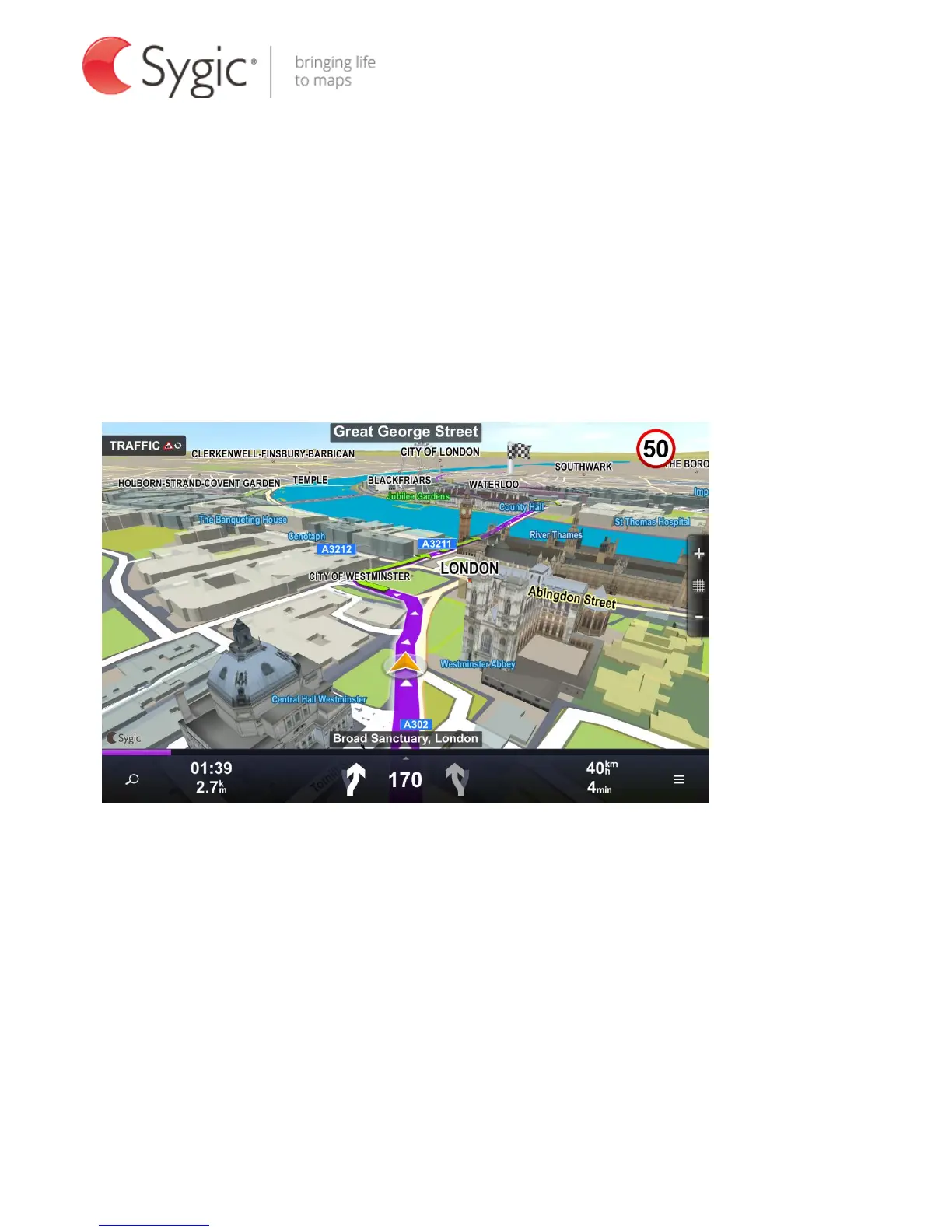
In Navigation Mode (A), the software tracks your position for visual reference of
the route and map around you. If you want to explore other locations, drag the
map with your fingers to switch to Map Browsing Mode (B). To select
destinations, review information about your route and alter settings, go to Menu
(C).
A. Navigation Mode



 To Next Page