Sygic GPS Navigation
User guide
Page 21 of 59
IV.VII. Navigating to Favorite Destinations
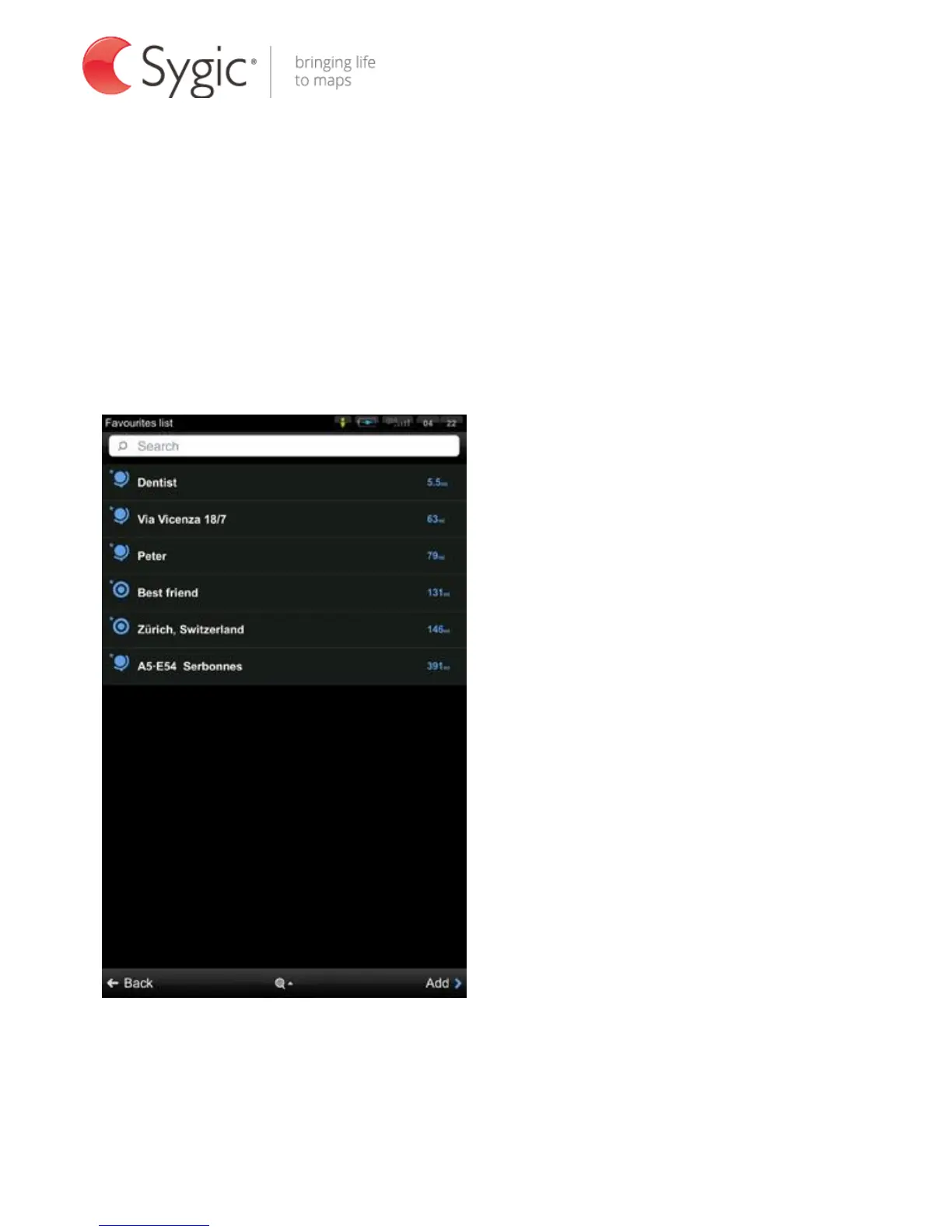
To view the list of your favorite destinations, select
Menu > Navigate to…> Favorites
You can start navigation by selecting a Favorite destination from the list shown.
Favorites list
Select the desired Favorite destination by tapping it and then select your next
option from the Action Menu.



 To Next Page