Sygic GPS Navigation
User guide
Page 16 of 59
IV.IV. Navigating to a Contact
If you want to navigate to a Contact from your phone, you can select their name
directly from your contact list:
Menu > Navigate to… > Contacts
In the list, scroll to the desired contact, or tap on the magnifying glass and enter
their name. You can also enter partial names.
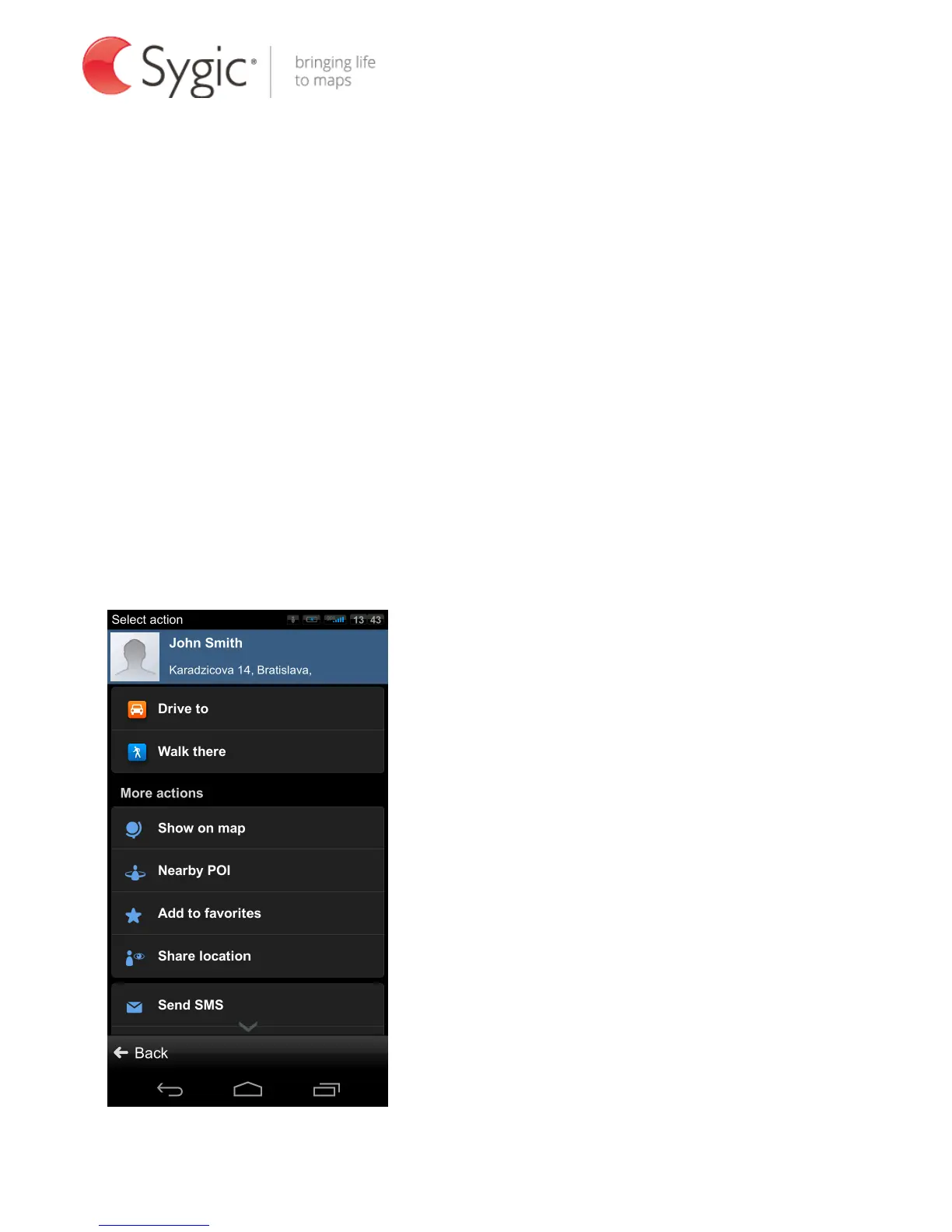
Tap on the name of the Contact and action menu will appear. To set the address
assigned to a contact as your destination, tap the Drive to, Walk there or Travel
via button. For more actions, see the chapter Action menu.
NOTE: To set your destination from the contact list, the selected contact must be
stored with a full address.
.



 To Next Page