Sygic GPS Navigation
User guide
Page 24 of 59
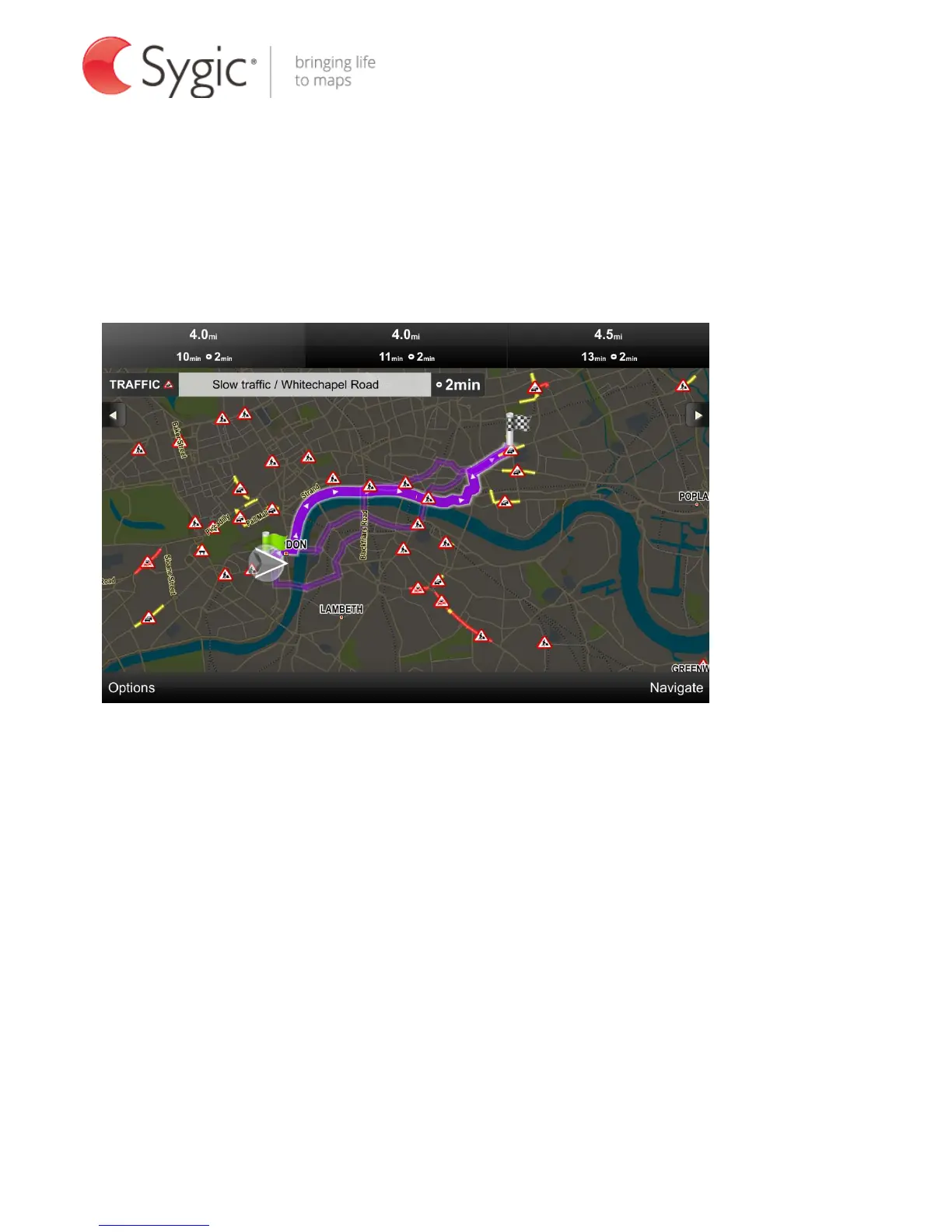
For each route the distance and time to destination is shown on the top of the
screen. If Traffic is enabled delays on route are also shown.
Three alternative routes in Traffic view:
(Tap on Traffic to access this view.)
You can switch between routes by tapping on the different route summaries on
the top of the screen. Selected route will be highlighted.
Select your route and tap Navigate to start navigation. For more information
about Traffic please see chapter Traffic .



 To Next Page