–
15
–
EN
0C28
–
15
–
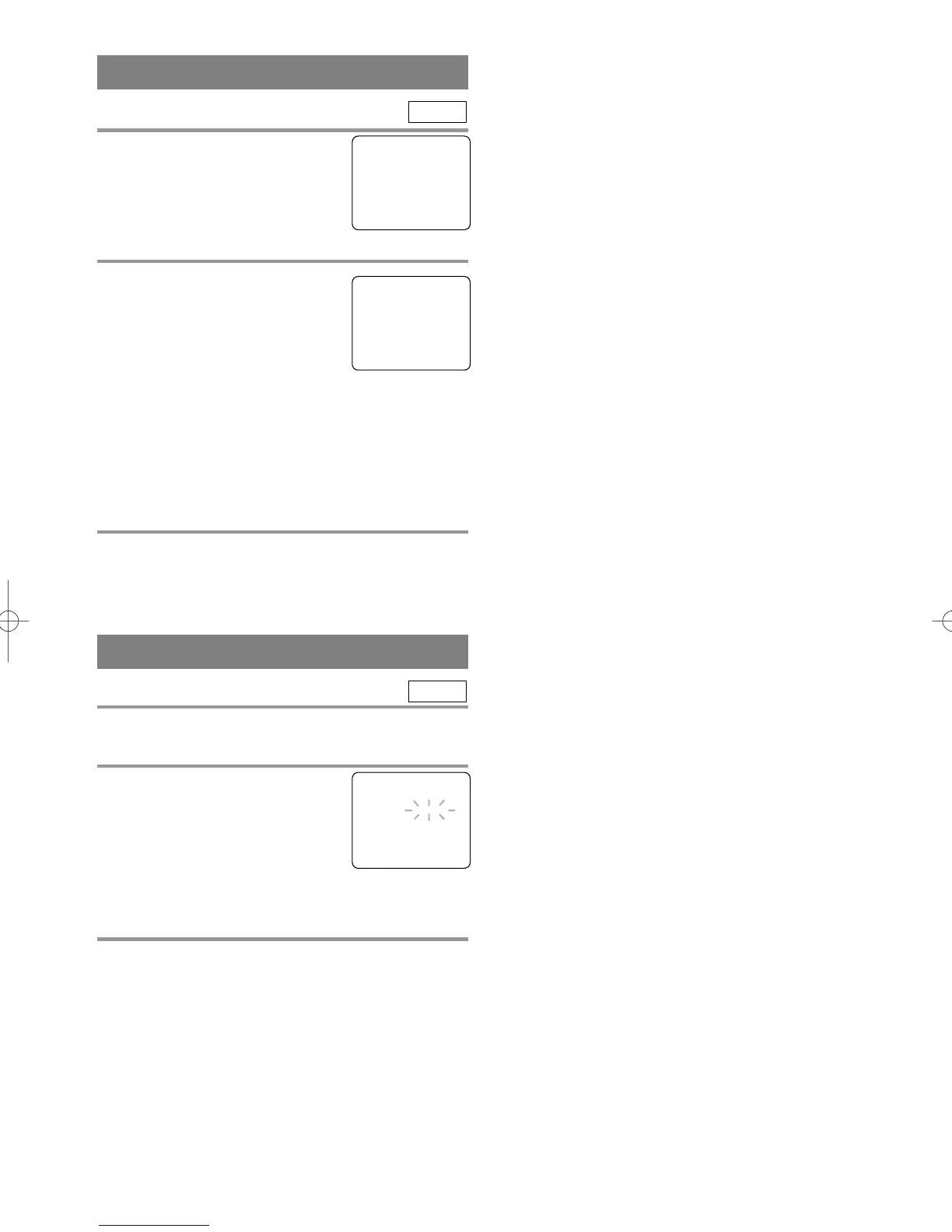
CHANNEL SET UP AGAIN
1 Select “CHANNEL SET UP”
Press SETUP on the remote control.
Press K or L to point to “CHAN-
NEL SET UP”.
Then, press ENTER.
2 Begin auto preset
Press K or L to point to “AUTO
PRESET”. Then, press ENTER.
The tuner scans and memorizes all
the active channels in your area.
NOTES:
•
The TV/DVD distinguishes between standard TV
channels and cable(CATV) channels.
•
The TV/DVD may memorize TV channels as
CATV channels if reception conditions is poor. If
this happens, try AUTO PRESET action again
when reception conditions are better.
3 After scanning
The tuner stops on the lowest memorized channel.
TV
SELECTING THE LANGUAGE
NOTE: This function effects only the language on
the screen menu and not the audio source.
1 Select “LANGUAGE”
Press SETUP on the remote control.
Press K or L to point to “LAN-
GUAGE”.
Then, press ENTER to select
“ENGLISH” or “ESPAÑOL”=
Spanish or “FRANÇAIS”= French.
2 Exit the Language mode
Press SETUP on the remote control to return to TV
mode.
NOTE: If Spanish or French is selected accidentally,
1)Press SETUP on the remote control.
2)Press K or L to point to “IDIOMA [ESPAÑOL]”
or “LANGAGE” [FRANÇAIS].
3)Press ENTER to select your desired language.
4)Press SETUP to exit.
TV
- TV SETUP -
B CHANNEL SET UP
LANGUAGE [ENGLISH]
– CHANNEL SET UP –
ADD / DELETE CH (TV)
B AUTO PRESET
- TV SETUP -
CHANNEL SET UP
B LANGUAGE [ENGLISH]
TD001.QX33 03.1.31 10:31 PM Page 15



 To Next Page