5-2 L3222EA
2. Flicker Adjustment
1. Enter the Service mode. (See page 5-1.)
2. Press [2] button on the remote control unit.
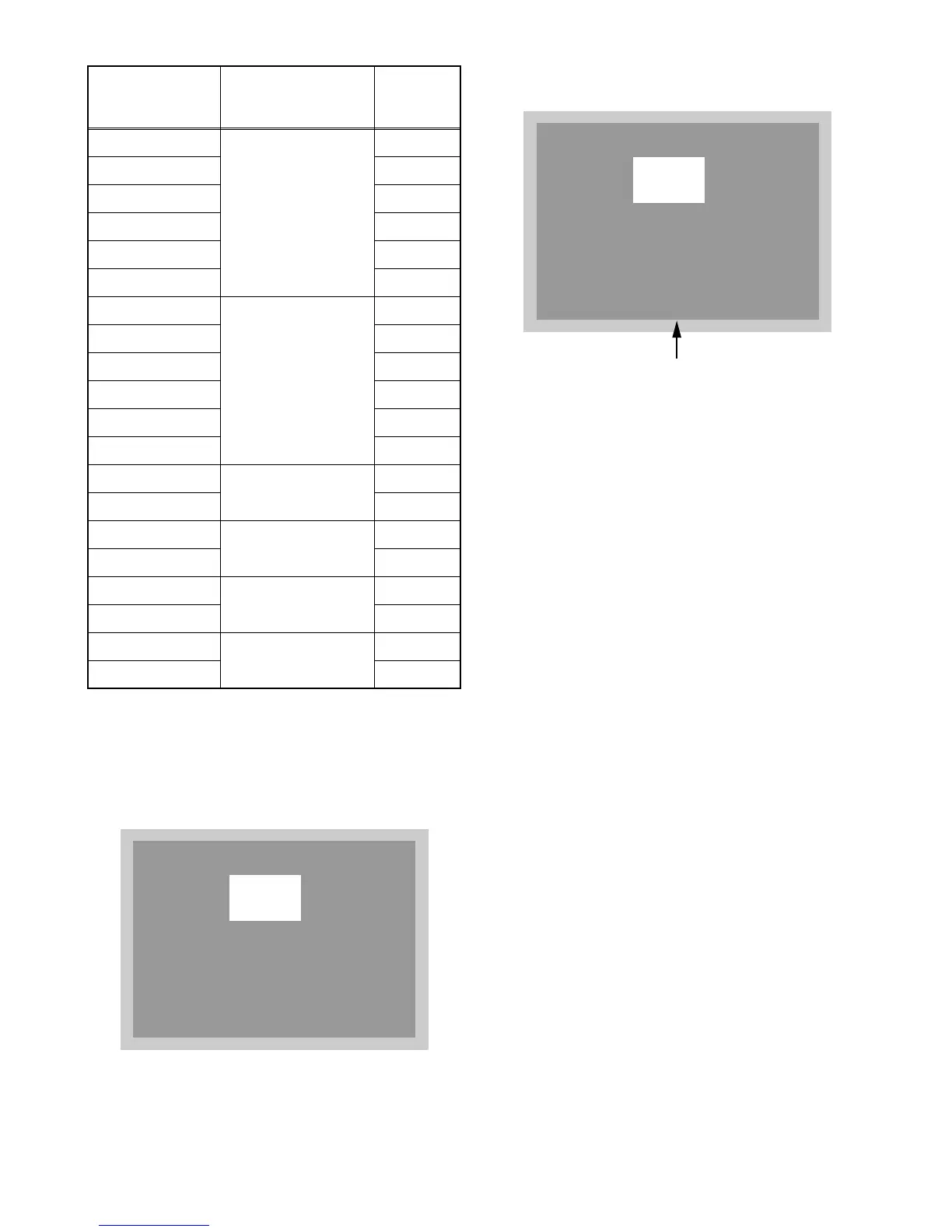
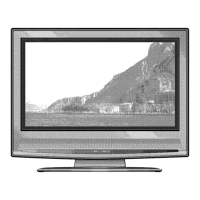
The following screen appears.
3. If Flicker Adjustment is not fit, the screen become
the following.
4. Press [CH o / p] buttons on the remote control
unit so that flash stops.
D2-BRT
[MENU] → [5]
135
D2-CNT 145
D2-CLR-R 68
D2-CLR-B 68
D2-TNT 128
D2-SHR 35
D3-BRT
[MENU] → [6]
120
D3-CNT 144
D3-CLR-R 69
D3-CLR-B 69
D3-TNT 128
D3-SHR 28
COR(C/D1)
[VOL p] → [1]
140
C-COR(C/D2) 140
COB(C/D1)
[VOL p] → [3]
137
C-COB(C/D2) 137
DR(C/D1)
[VOL p] → [4]
176
C-DR(C/D2) 176
DB(C/D1)
[VOL p] → [6]
147
C-DB(C/D2) 147
Item
Button
(on the service
remote control)
Data
Value
VCOM
110
VCOM
110
FLASH (Go and Off)



 To Next Page