6-1 L0306INT
HOW TO INITIALIZE THE LCD TELEVISION
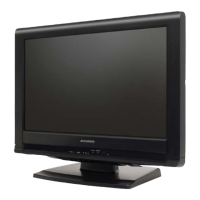
How to initialize the LCD television:
1. Turn the power on. (Use main power on the TV
unit.)
2. To enter the service mode, press [POWER], [2],
[7], [1], and [MUTE] buttons on the remote control
unit in that order within 5 seconds.
- To cancel the service mode, press [POWER]
button on the remote control.
3. To initialize the LCD television, press “DISPLAY”
button on the remote control unit.
4. Confirm "FF" indication on the upper right of the
screen.



 To Next Page