SD/MMC/USB Main Menu
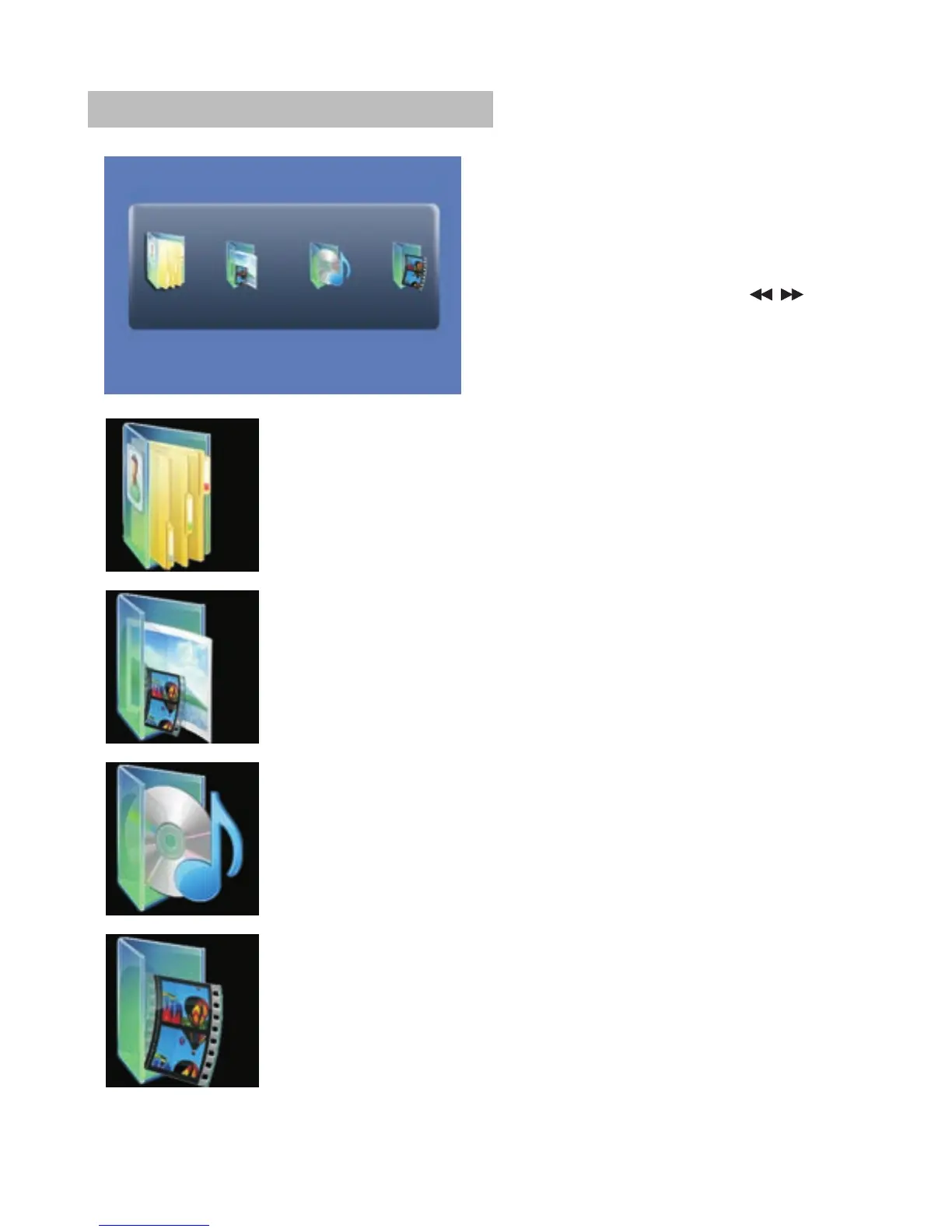
After Enter the SD/MMC or USB,
the system will show Main Menu
which includes 4 Function ICONS.
You can select them by " and
press "ENTER" key to confirm.
"
Photo Mode
Detail explanation please refer to P19-20
Browser Mode
Detail explanation please refer to P19
Music Mode
Detail explanation please refer to P21
Movie Mode
Detail explanation please refer to P21
Note: Media cards formatted in exFAT file system not supported.
18


 To Next Page