00 00 03 43
001/008
\Ctyy\
......
Mp3
TRACK01
Mp3
TRACK02
Mp3
TRACK03
Mp3
TRACK04
Mp3
TRACK05
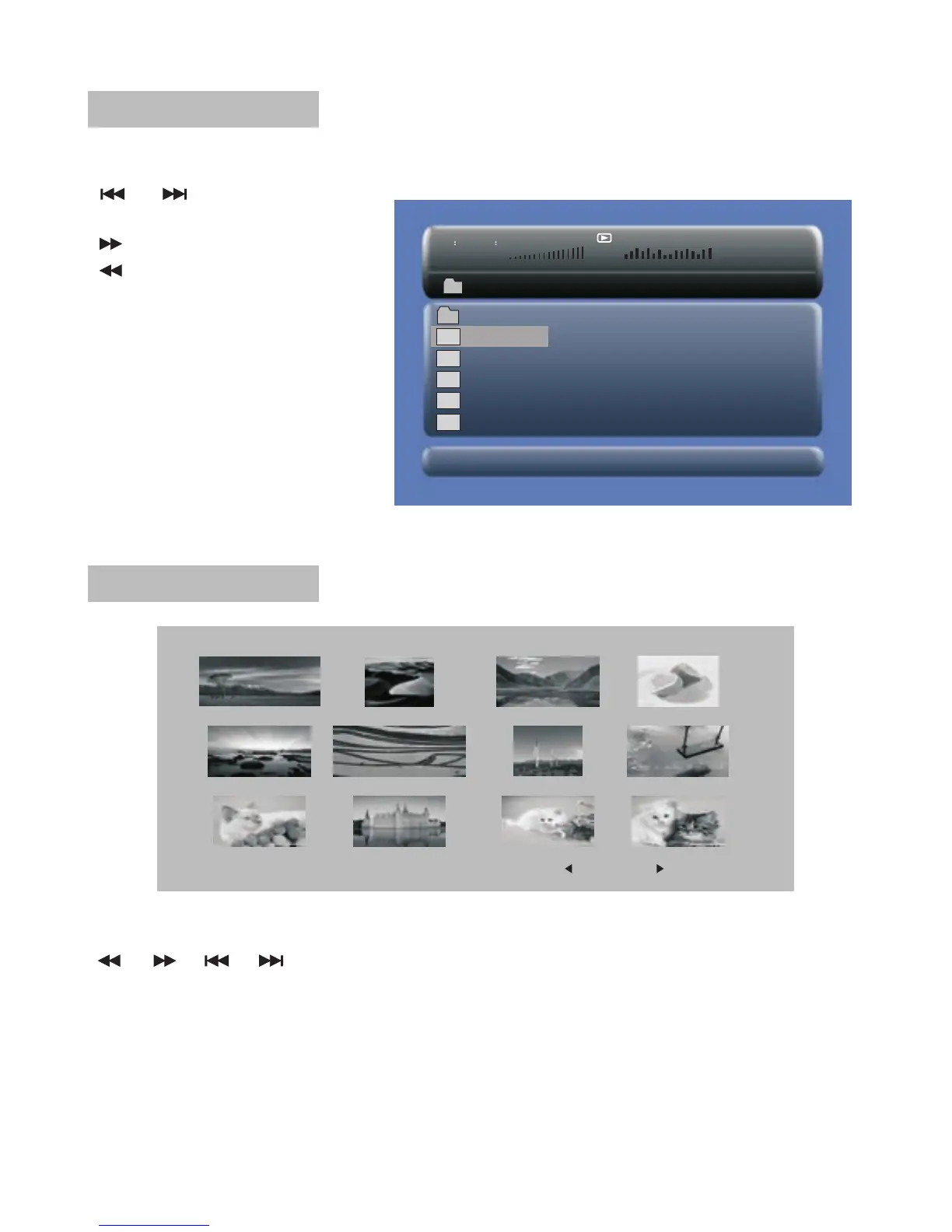
Browser Mode
In the Browser Mode ,the system will show the list of file and folder.
" ", " ", "ENTER" key:
select and play
" " : Enter the folder
" " : Quit the folder
Note : if you want to return
to the Main Menu , first,
the system must be in List
of file and folder status, and
you can press "RETURN"
KEY to return to the Main
Menu.
Photo Mode
Slide Show Menu Prev Next
In the Photo Mode, the System will show the thumbnail Mode first.
" ", " ", " ", " ", "ENTER": select and play.
Slide Show : play the JPEG
Menu : Enter the Help Menu.
Prev : Page Up.
Next : Page Down.
19


 To Next Page