SYMEO Local Positioning Radar System
LPR®-1D24
LPR®-1D24 Station – Overview and Mounting
Web User Interface for LPR®-1D24
Copyright © SYMEO GmbH 2015
LPR-1D24_Users_Manual_FCC-IC-Edition_EN.docx Page 20 of 34
7.2 Open User Interface
At delivery, the IP-address of the LPR
®
-1D24 unit is 192.168.1.99, unless
another IP-address is labeled outside the box.
Open your web browser. In the address bar of the web browser enter the IP-address of
the LPR
®
-1D24 unit: http://192.168.1.99. Press Enter.
A connection is established with your LPR
®
-1D24 unit.
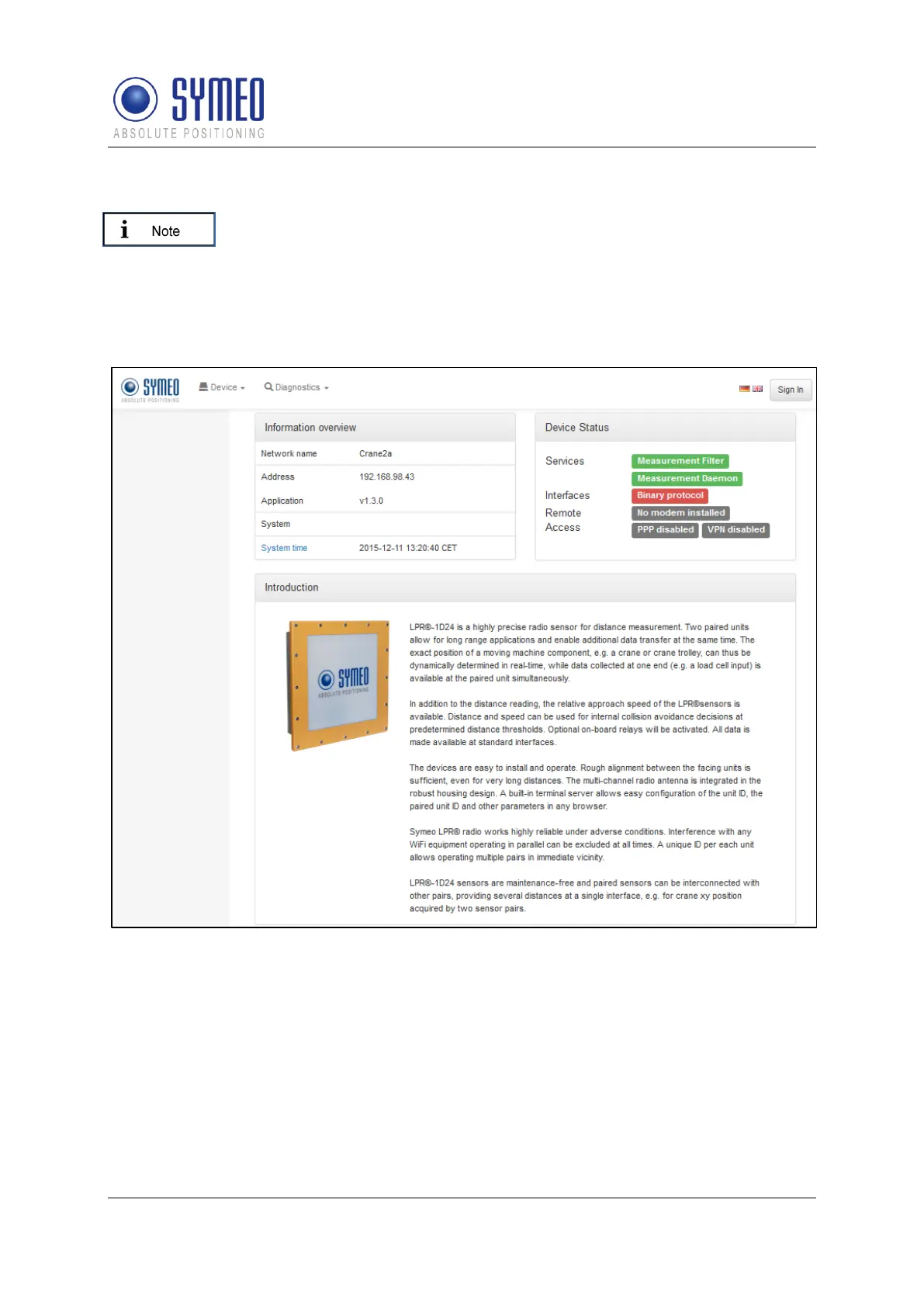
Figure 10: Homepage of the LPR
®
-1D24 unit
The homepage of the LPR
®
-1D24 unit's Web User Interface will appear.
A website language selection can be made using the flags in the top right corner of the
homepage.
Click the "Sign in" button in the top right corner of the homepage. The dialog box with the
username and password field will appear (see picture below).


 To Next Page
 Loading...