3
www.syncoaudio.com www.syncoaudio.com
4
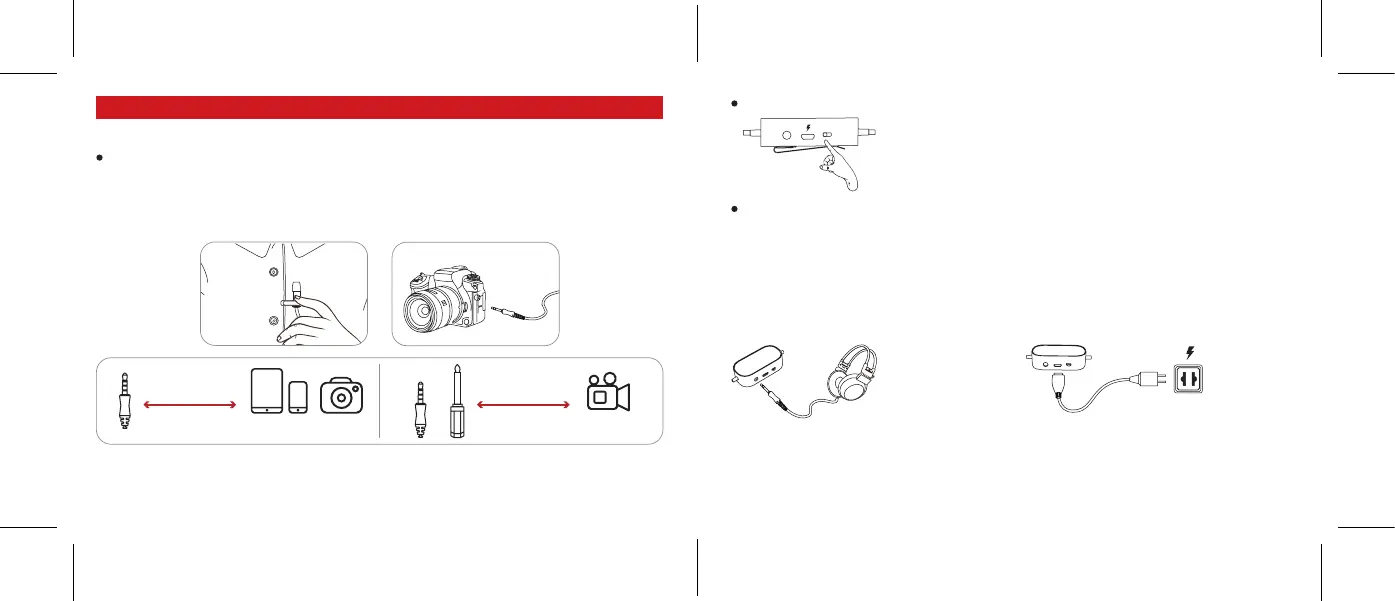
1. The Use of Microphone
2. 3.5mm Monitoring Port
A 3.5mm Audio Output Port is designed for
monitoring. Plug headphone or other playing
equipment into this port, you can start monitoring
the recording eect.
3. How to Charge the Mic
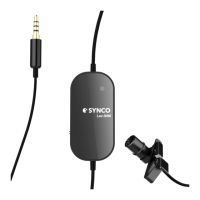
With built-in rechargeable Lithium battery, SYNCO
Lav-S6M microphone can get full charge through a
USB charger.
Turn on the microphone through ON/OFF Button.
Open the audio or video recording application on your smartphone or camera, then begin recording.
(Note: Android devices need the third-party applications to operate the microphone.)
Operations
connection connection
Ipad/Phone Camera
Camcorder
ON OFF
Clip the lavalier mic on your clothes, then plug the 3.5mm connector into a recording device, such as
smartphone/ tablet, or camera (using 3.5mm-6.3mm adapter).
(Note: For Apple devices, iPhone 6 and predecessors can use 3.5mm connector directly, iPhone 7
and subsequent devices require Apple's Lighting adapter. Some of Android devices can apply the
microphone with a Type-C adapter.)


 To Next Page