3
10
Install DS1010+ Firmware
On a network computer, follow the steps in this chapter to install the system
rmware for your DS1010+. After the rmware is installed, you can manage all
features of your DS1010+ by logging into the Disk Station Manager with a web
browser.
Install from Windows
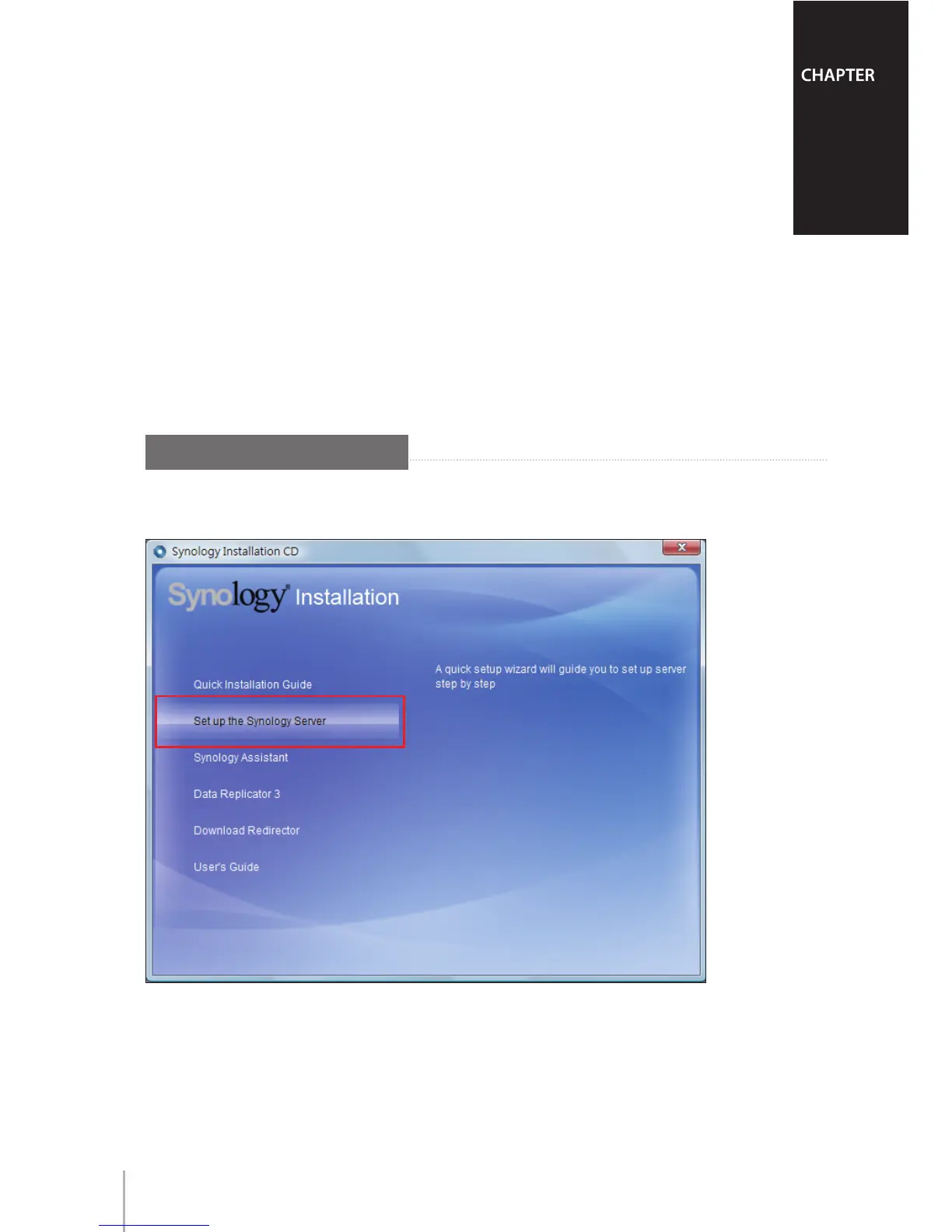
Insert the installation CD into your computer, and then choose 1 Set up the
Synology Server from the autorun menu.









 To Next Page