16 Chapter 3: Install DS1010+ Firmware
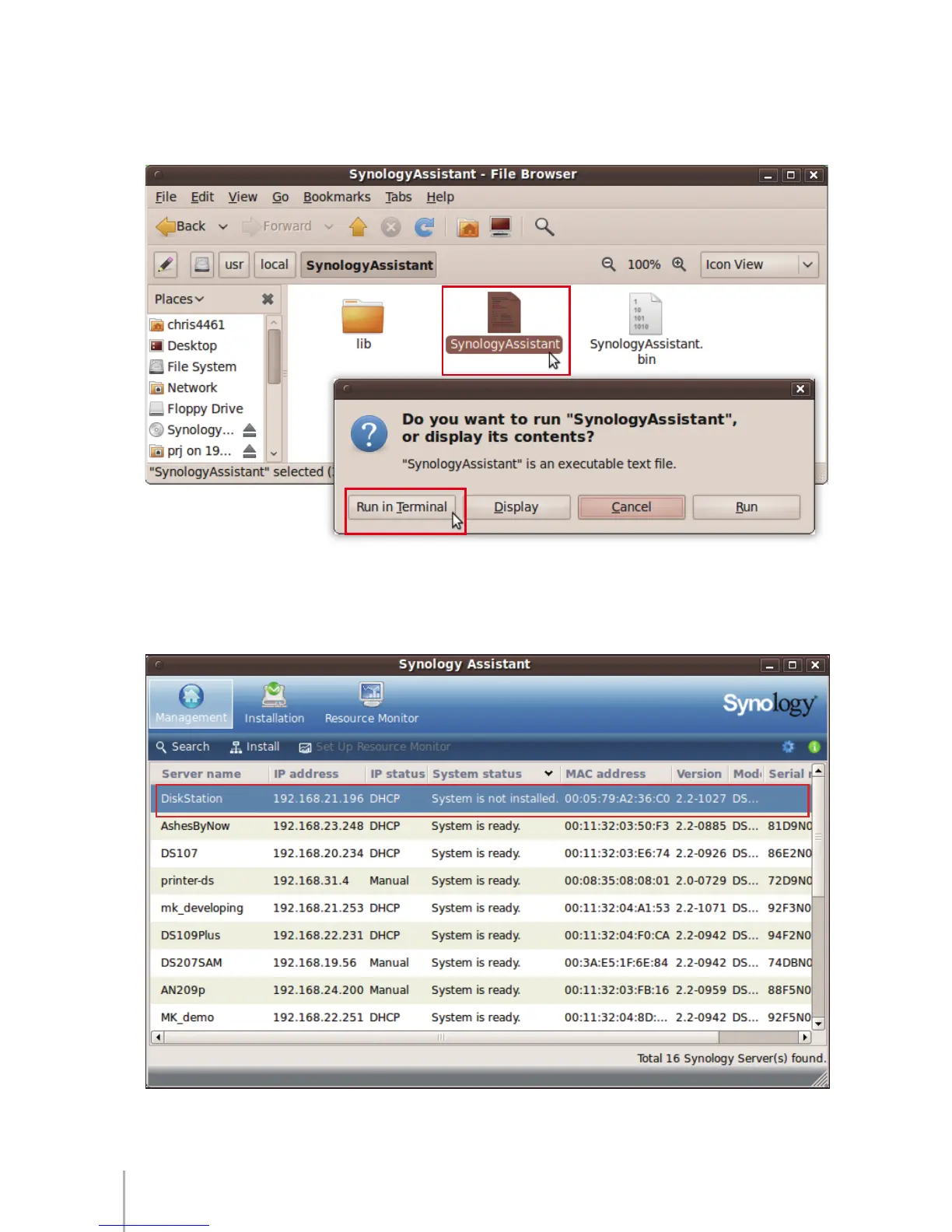
Go to the path 5 “/usr/local/SynologyAssistant” (or “ [the path you just specied]/
SynologyAssistant”), double-click SynologyAssistant, and then select Run in
Terminal in the dialog box that appears.
Install DS1010+ Firmware
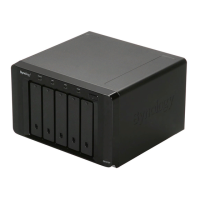
After Synology Assistant opens, double-click your DS1010+ from the server list.1









 To Next Page