Table of Contents
Chapter 1: Before You Start
Chapter 2: Hardware Setup
Tools and Parts for Drive Installation 6
Install Drives 6
Start Up Your NVR 8
Chapter 3: Install DSM and Surveillance Station on NVR
Install DSM with Web Assistant 9
Get Your NVR Ready 10
Learn More 10
Chapter 4: Get Started with Surveillance Station
Add an IP Camera to Surveillance Station 11
Monitor Camera Feeds with Live View 13
Playback Video Recordings with Timeline 18
Manage Archived Video Recordings 18
Authorize User Privileges 19
Discover More Features with Add-ons 21
Chapter 5: Setup and Operate Surveillance Station Local Display
Connect a Monitor to Your NVR 22
Navigate Local Display Desktop 23
Function Limitations 24
System 25
Appedix A: Specications
Appedix B: LED Indicator Table
Synology_QIG_NVR216_20150801
2

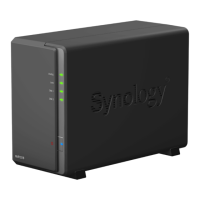






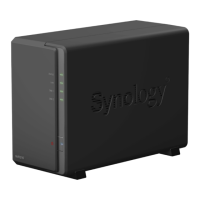

 To Next Page