Chapter 2: Using VS80
15
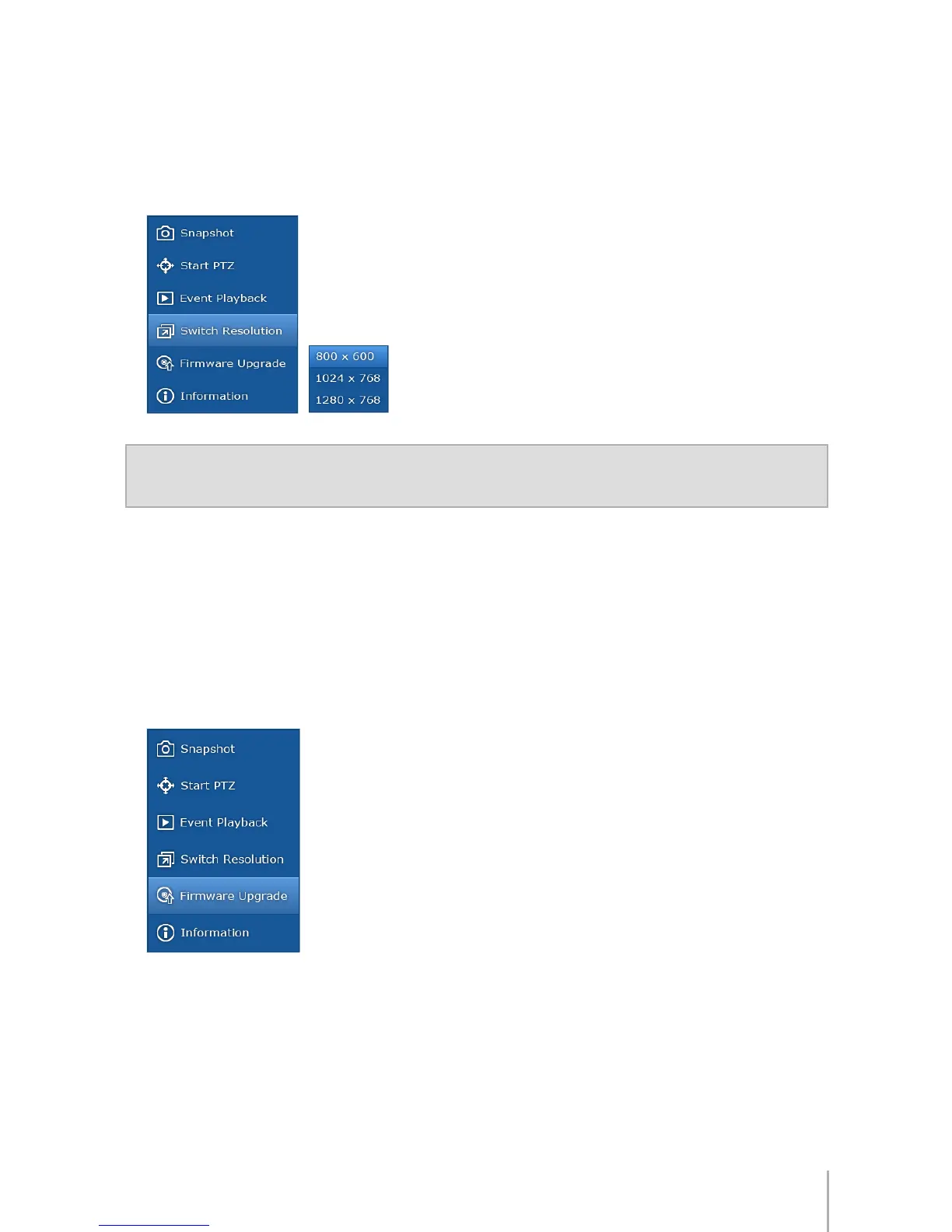
Switch Resolution
If your monitor supports more than one resolution, you can specify the viewing
preference. VS80 supports the following three resolutions:
800 x 600, 1024 x 768, 1280 x 768
Note:
If you select a resolution your monitor does not support, the monitor will black-out for
seconds and then return to its selected resolution.
Firmware Upgrade
To upgrade VS80 rmware, follow the steps below:
1
Download the latest rmware from: http://www.synology.com
2
Unzip the rmware and save the le onto your USB storage device.
3
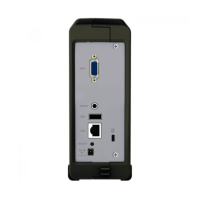
Connect your USB storage device to VS80.
4
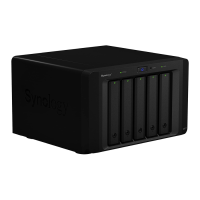
Click on
Firmware Upgrade
to start upgrading.








 To Next Page