机床产品/Machine Tool Products – 60CA/60CB Simple-Type Wood Cutting Machine Operation Manual
Fenu and System Introduction– 30
•
•
•
•
•
•
•
•
•
•
•
•
•
•
•
•
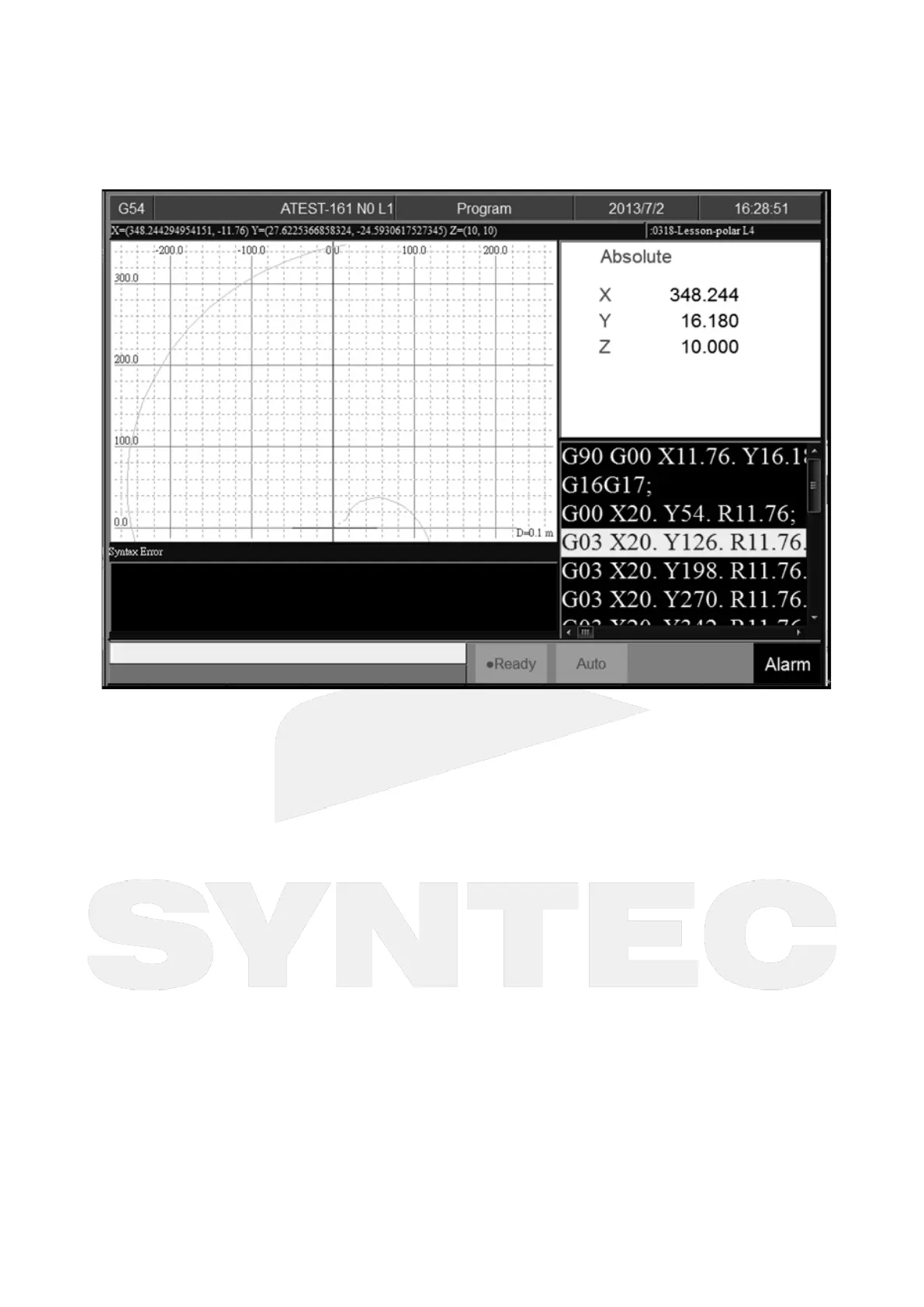
4.6.7 Simulation
Command
5 buttons type: F2 Program→F5 Simulation
8 buttons type: F2 Program→F7Simulation
Function
Program simulation for the actual machining route.
Capability of debug.
Default display range will be the span of the full program.
Simulation setting can be modified by F5「simulate Setting」..
Step
Command
5 Buttons type: F2 Program→F5 Simulation→F1 Step
8 Buttons type: F2 Program→F7 Simulation→F1 Step
Function
Simulate the program block by block.
Monitor the variation of the coordinate for single block.
Continue
Command
5 Buttons type: F2 Program→F5 Simulation→F2 Continue


 To Next Page