39
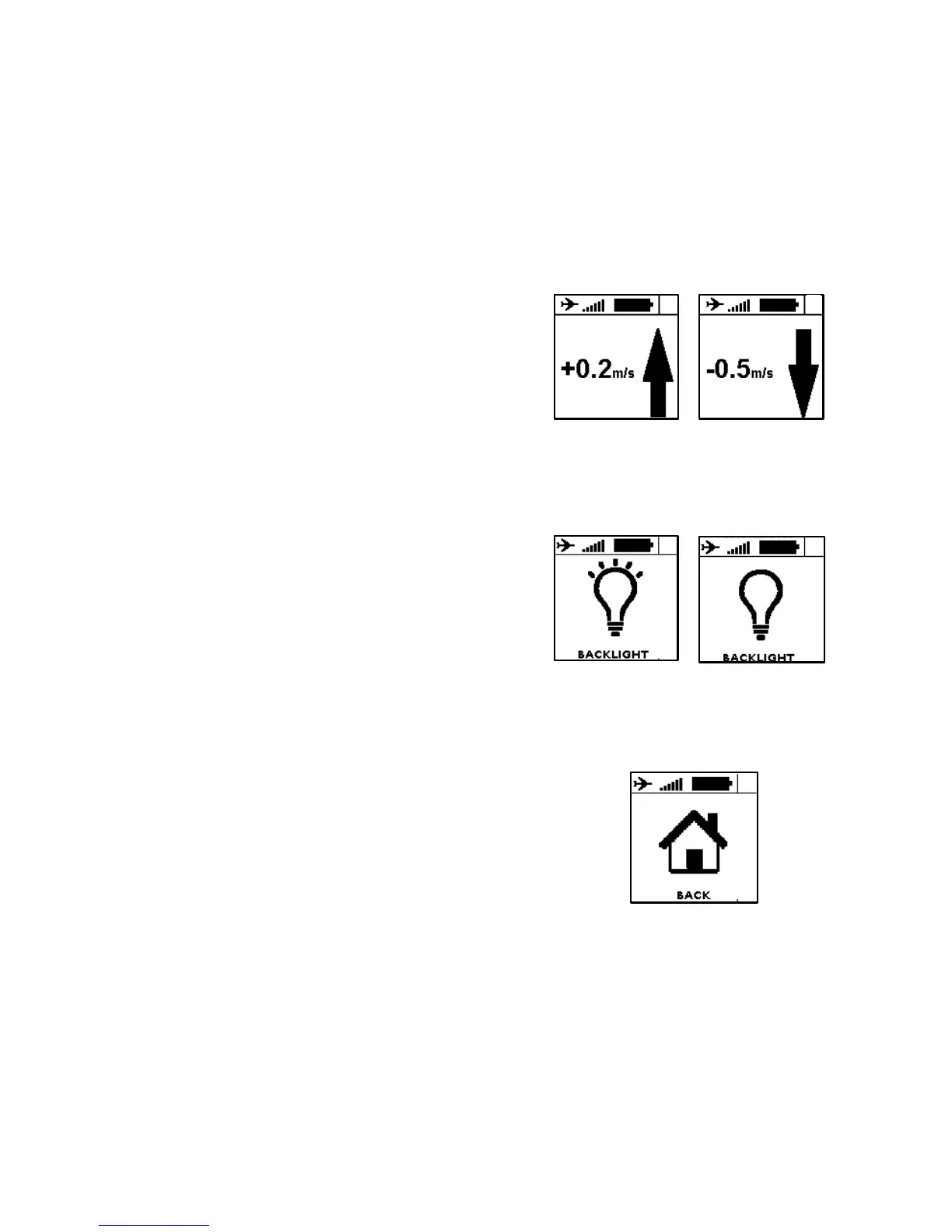
5. The 2 next screens allows you to set
rising and falling threshold of the vario.
6. The next screen enables to activate the “thermal sniffer” function. The instrument will
produce a specific bip when you fly in an area which do not go up (<0.1m/s) or down
(>0.2m/s). This indicates that you fly either in a zone near a thermal or at the
beginning of the thermal cycle.
7. You can turn ON or OFF the backlight of
your instrument on the next screen.
Warning : backlight reduces the
instrument’s autonomy (-30%).
8. The next screen enables to turn ON or OFF the alarm when you enter in a controlled airspace.
9. The altitude screen enables to select either the altitude given by the GPS (by default) or a
pressure altitude that will be manually settled.
10. Last screen is to go back to main screen
(#1)


 To Next Page