48
XIV. Warnings and reset
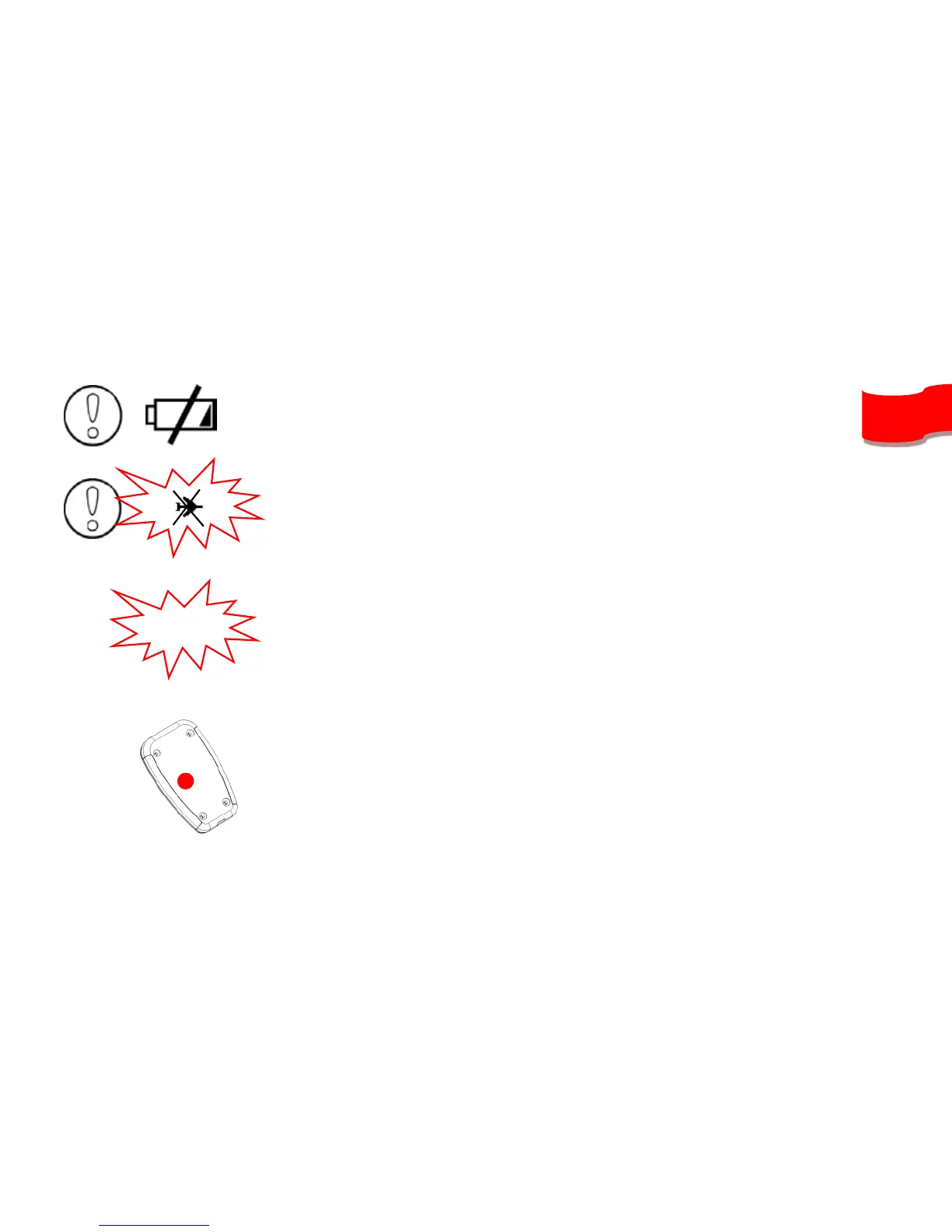
If this happens, be sure the instrument’s memory is not full, and check the
battery is charged enough.
To protect from flights corruption, your instrument will automatically stop
recording the flight if the battery is too low, or if memory is almost full. This
is indicated when the plane icon on the top left of the screen is blinking with
a cross over it
If the G-Meter exceeds the value selected in “Configure my instrument” menu of
SYS PC TOOL (2.5g is the default value), a highly noisy sound will activate (even if
the sound is turned-off).
If ever your instrument would stuck (unresponsive to buttons), plug the device to
your computer with the USB cable and press the reset button with a needle in the
hole on the back of the instrument (keeping the USB plugged).


 To Next Page