42
X. Height above ground
The SYS’NAV is able to tell you how high from the ground you are. Thanks to topography data
recorded by the Shuttle Radar Topography Mission realized in 2000 by Endeavour space
shuttle (see http://en.wikipedia.org/wiki/Shuttle_Radar_Topography_Mission
).
From the SYS’Nav v3 the worldwide topography is already embedded in the instrument.
For the older versions of the SYS’Nav, here is the process to send the topography data into
your instrument :
1) You must go to our dedicated webpage: https://www.syride.com/en/topography
2) Then move the red rectangle to your selected fly area, and download the data.
3) Turn on and connect your SYS’NAV with the USB cable.
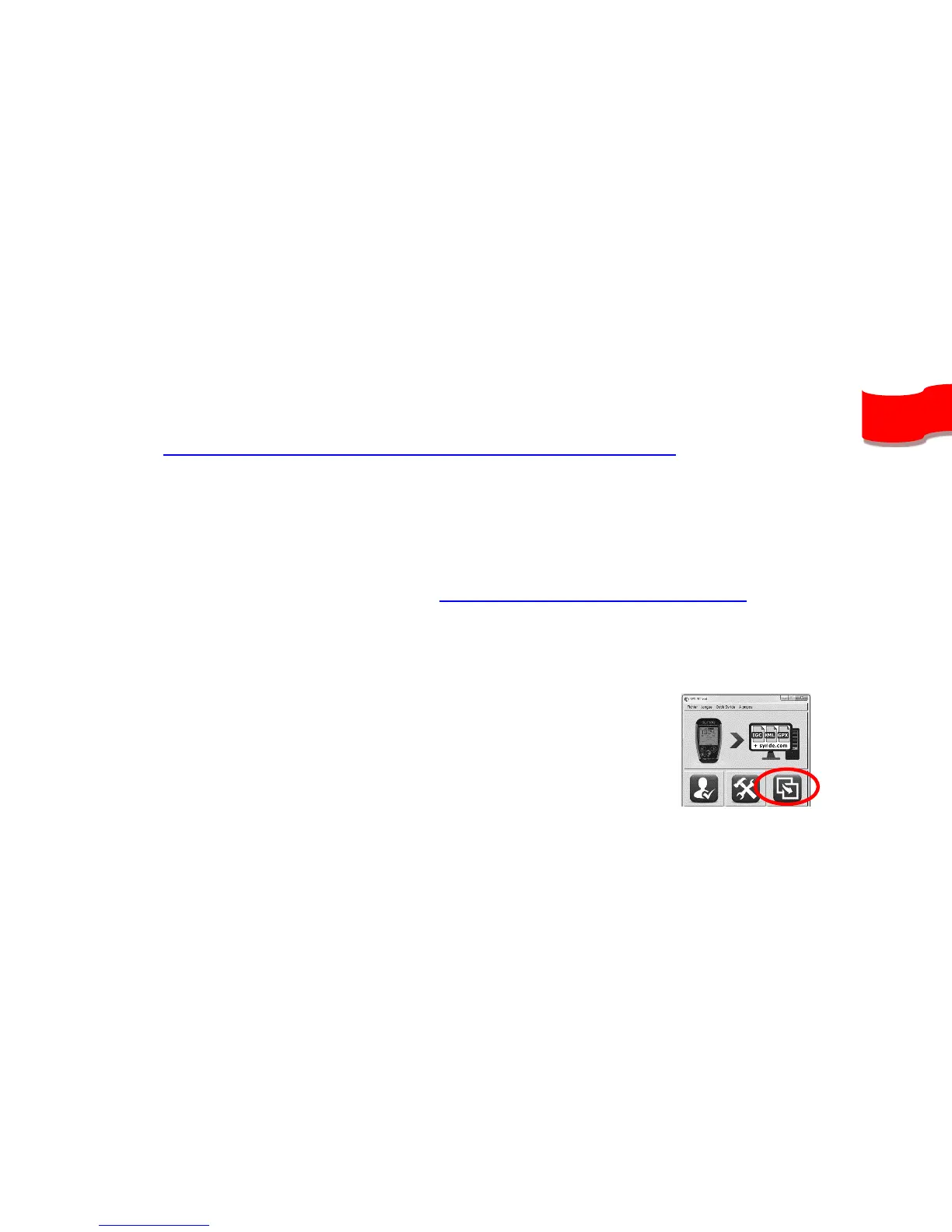
4) Then go in the SYS PC Tool, and click on the “Send a file to my instrument” icon, and
select the file you previously downloaded.
5) Wait until the end ot the file upload and restart your instrument.
Caution, height above the ground has a precision of ±20m, plus
the GPS precision (a few meters).
To display your height above ground, this information must be included in your screen
configuration (see previous chapter) and you need GPS reception.


 To Next Page