41
IX. Customize your screens and vario sound
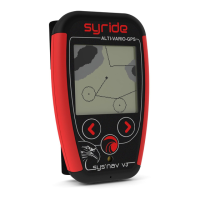
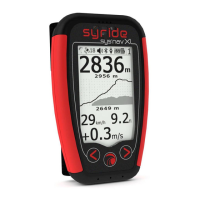
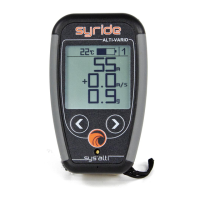
With SYS’NAV, you can fully customize screens 1 to 4, as well your vario sound!
To customize your screen (tutorial video https://www.youtube.com/watch?v=D3lfZWiS13M
) :
1) Go to : http://www.syride.com/en/ssctool/Nav
2) Customize your screen by selecting an item with is font size and units, and then drag and
drop it to the screen.
3) Download the config file to your computer.
4) Turn-on your instrument, and connect it to your computer.
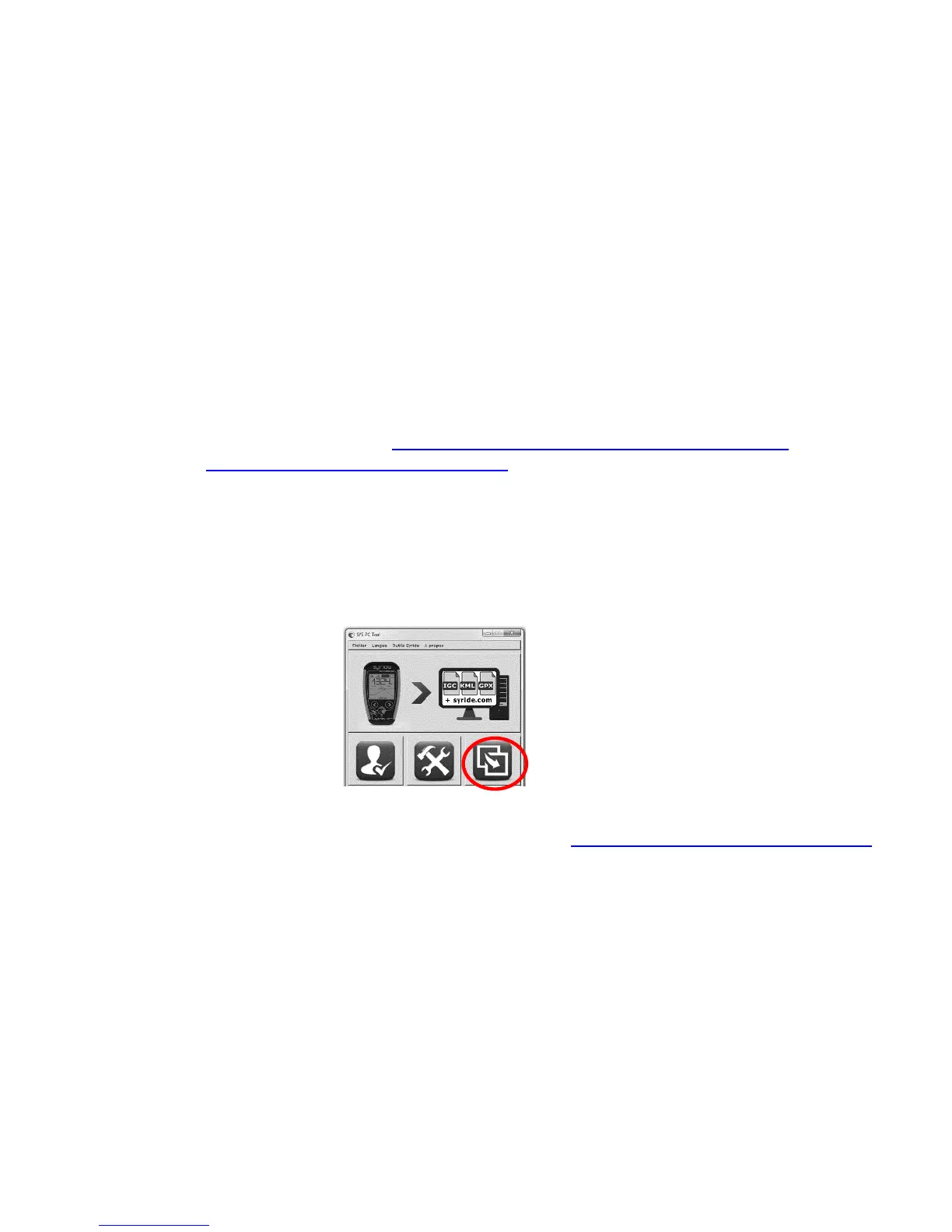
5) On SYS PC Tool, click on “Send a file to my Instrument” icon.
6) Select the config file you just downloaded before and disconnect your instrument, done.
The vario sound setup follows the same principle, follow here: https://www.syride.com/en/variosetup


 To Next Page