45
XII. Navigation
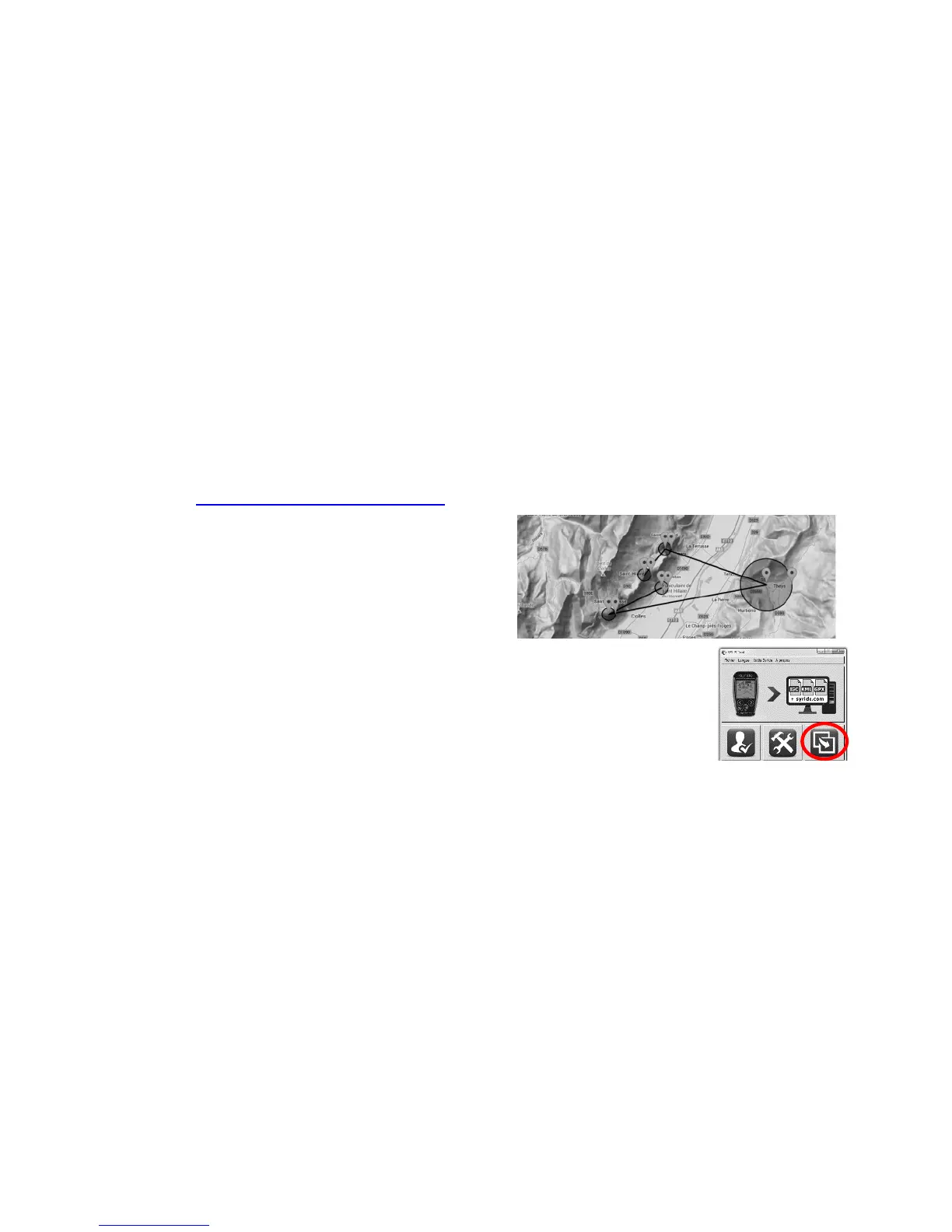
To create a navigation route, the easiest way is to use our online « Route maker » tool. Simple, quick
and efficient, it ables you to build a route in a few secondes.
To build a route with the « Route maker » :
1) Go to http://www.syride.com/en/route
2) Build your route in a few clicks, and then
download it to your computer.
3) Turn-on your SYS’Nav and connect it to
your computer
4) On the SYS PC Tool, click the « Send a file
to my instrument » icon
5) Select the route file you’ve downloaded
before
6) To activate the route in your instrument, go on the the Navigation
menu in the SYS’Nav, then « Load a route ».
The route will show on the MAP screen. Think about adding the
indicators you wish to use (e.g. Waypoint information) to your
screen configuration (cf IX. Customize your screens).
7) To skip a waypoint without reaching it, you can push the central button until the sound signal.


 To Next Page