50
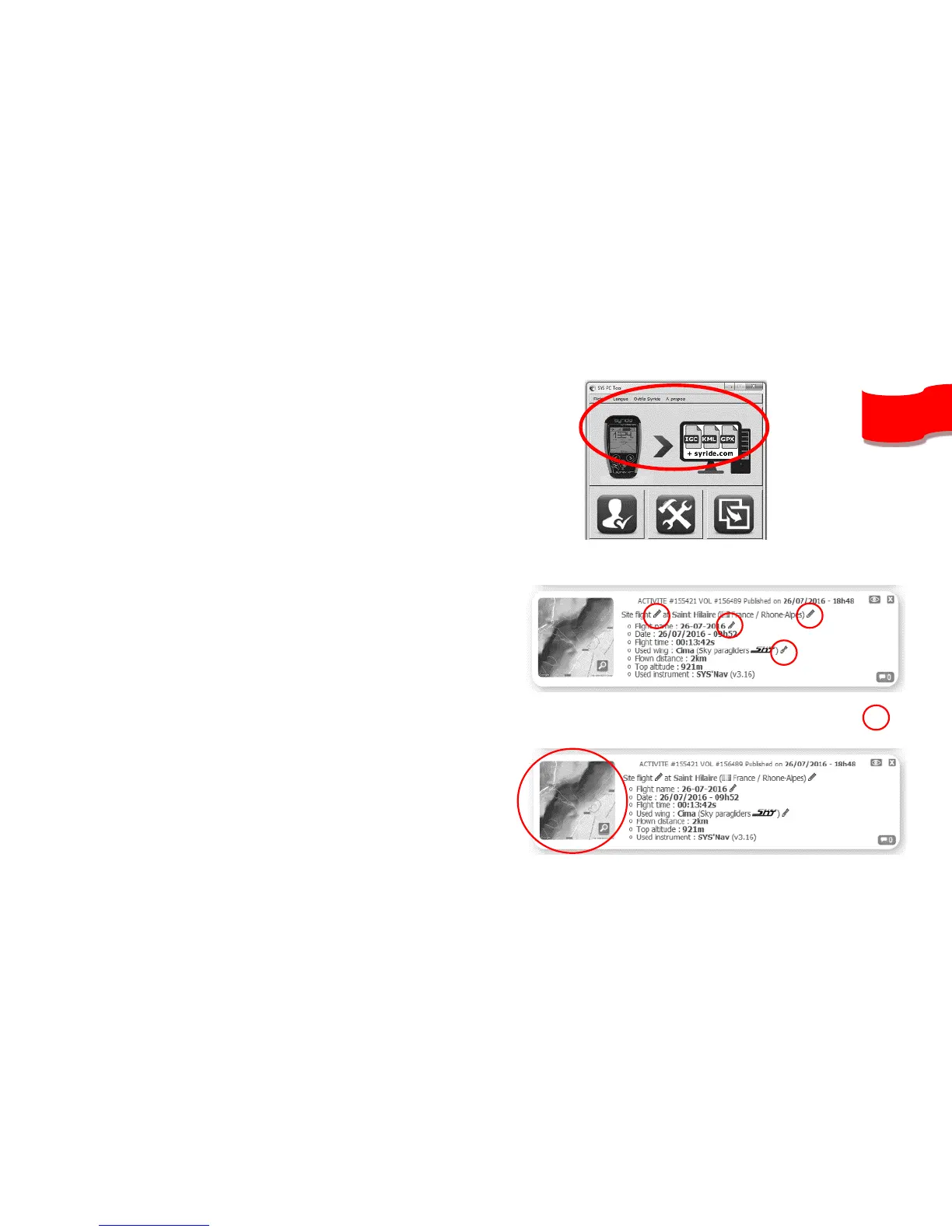
5. Press the “Download recorded flights”
icon, and your flights will be sent from
the instrument to your computer and the
online flight book. You can have access
to the files on your computer by clicking
on File/open local directory.
6. You can modify your flight information
(e.g. name, used glide, take off site and
the type of flight) by clicking on the red
pen and validate your modification with
the green arrow.
7. To watch your track, click on the picture.
8. You can make your flight invisible for the
Syride community by clicking on the eye
icon on the top right. It will stay on your
profile but the Syride users won’t be able
to see it.


 To Next Page