11
6. Start-up
6.1 While Machine is Off
6.1.1 Switch main power clockwise to on ”I”.
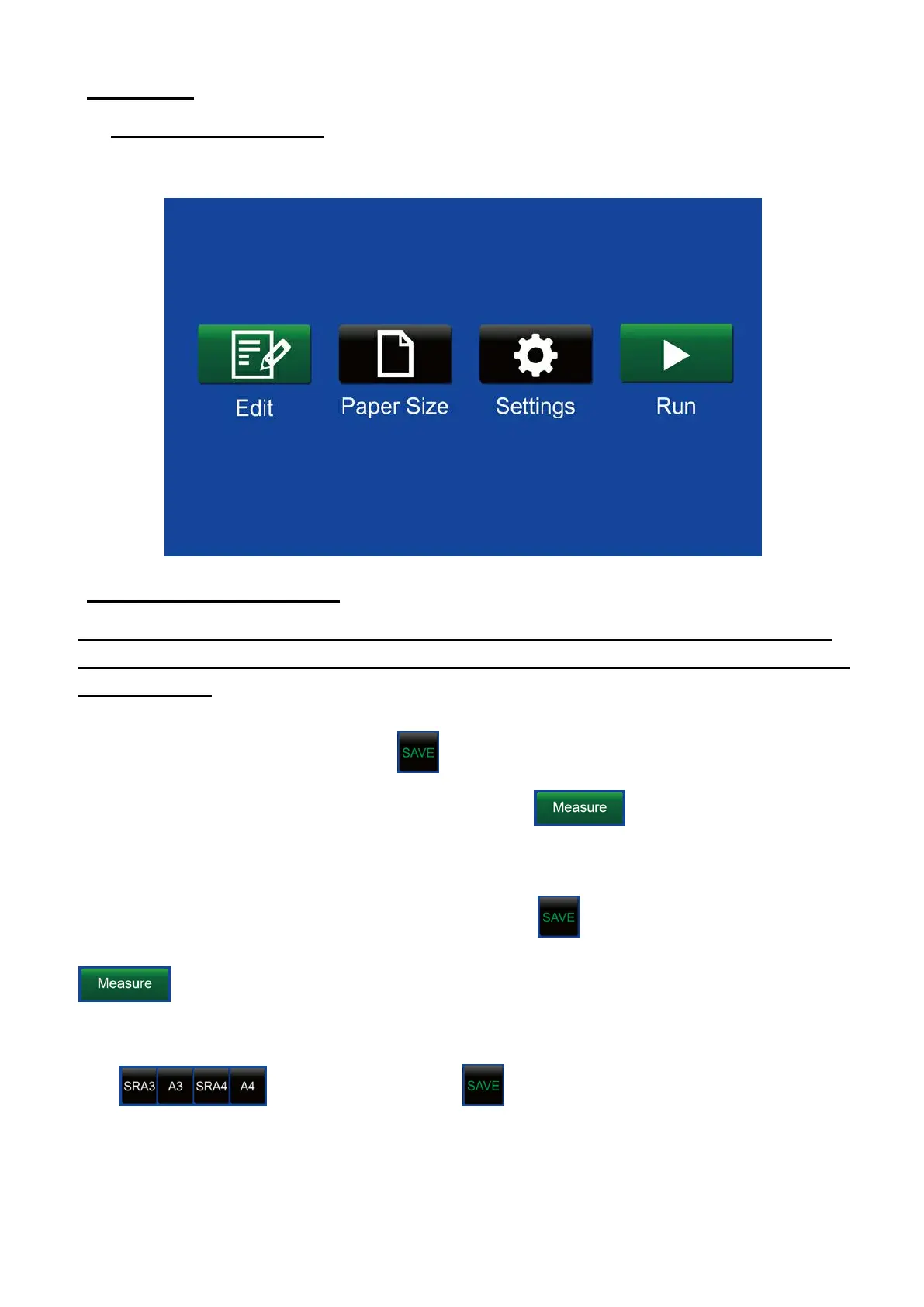
6.1.3 Main screen is showing.
7. Paper size settings
7.1 It helps the system to calculate the working parameter. Make sure the
paper size is set properly before editing crease data or processing another
size paper.
Tip on the blank box then enter the figures from the keypad. The range of the
figure is from 0.0-999.9. Press to set into memory.
7.2. Auto measurement of paper length: Press , the machine will be
running slowly then ass a paper without crease. When the paper ejects, the actual
paper length will be showing on the box. Press to set into memory. Press
again will end the current measuring.
7.3.Standard paper SRA3,A3.SRA4,A4 can be chosen directly by press this 4
icon individually. Press to set into memory.



 To Next Page