5
3. Installation
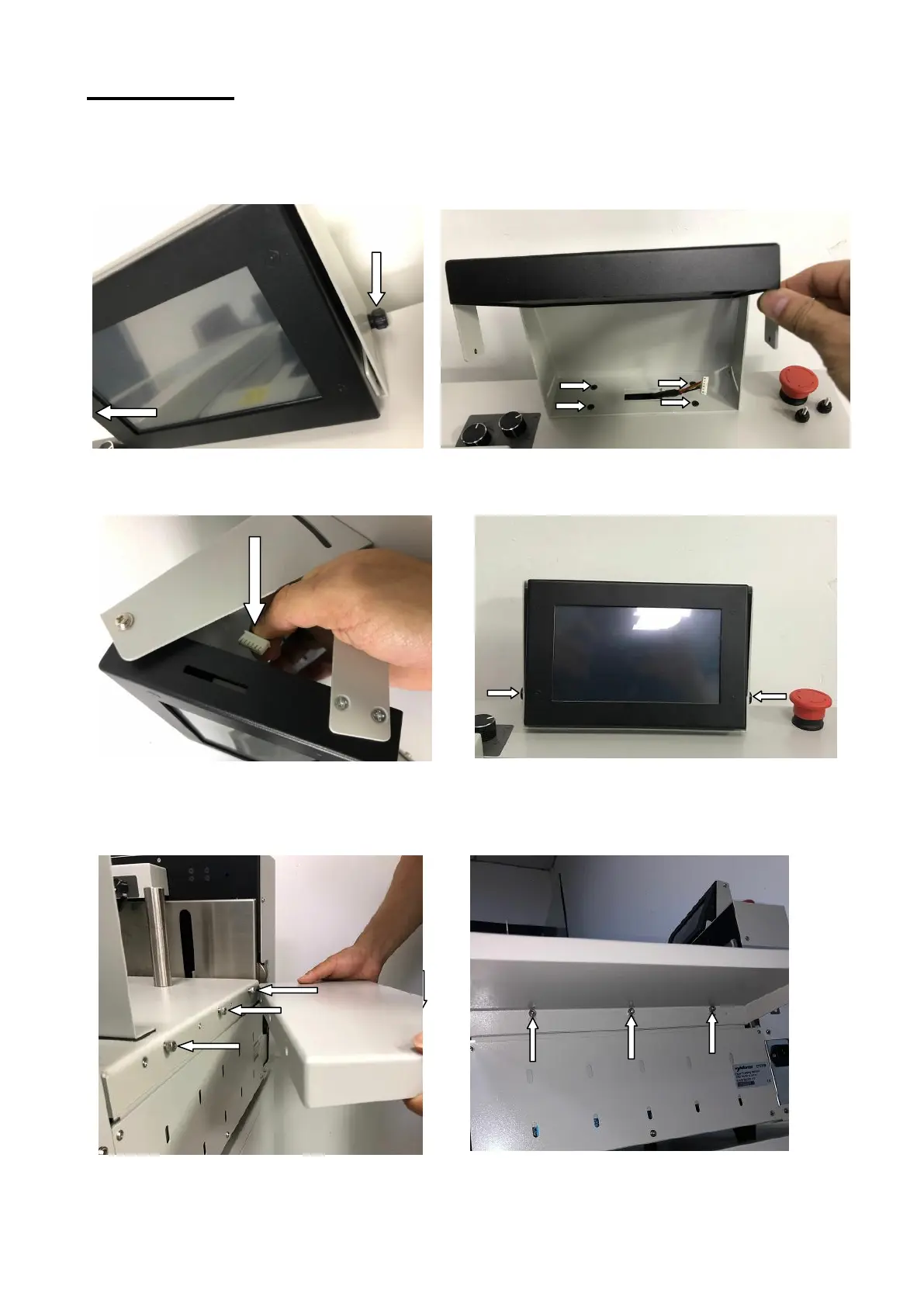
3.1 Install the touchpad.
Step 1: Remove 2 thumb screws. Step 2: Use 4 screws to fix the touchpad base on
the rear cover of the machine.
Step 3: Plug the cable to the touchpad. Step 4: Put 2 thumb screws back and screw up.
3.2 Use 3 screws to fix the extension table to the loading table.
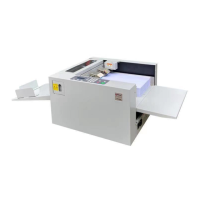
The machine comes with 1 short extension table and 1 long one.



 To Next Page