19
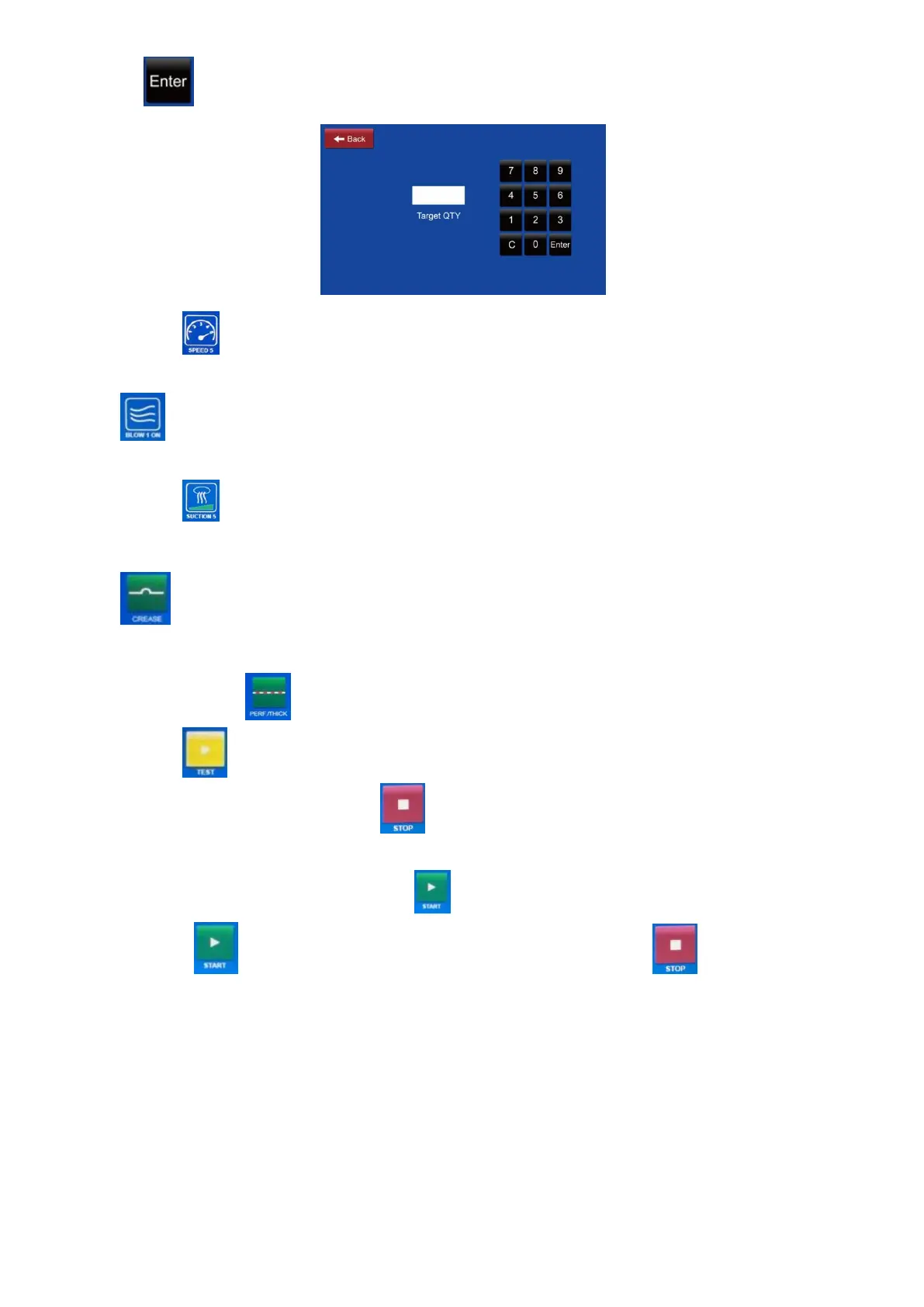
press . If target QTY is set 0, the machine will feed sheets continuously.
9.4 Press to choose the running speed. 5 ranges are available. One click is
one degree circularly.
9.5 is showing blowing fan status. Press the icon to switch on/off the
blowing fan according to the requirement.
9.6 Press to choose the suction strength. 5 ranges are available. One click is
one degree circularly.
9.7 is showing that the machine is in normal creasing mode. If to process
thick papers or make perforation job, press the icon to switch the machine to
perf./thick mode .
9.8 Press and the machine will process one pass to check if the machine
can run the job properly Press to end the current processing.
9.9 Tip on the finished QTY box to reset the counter of the finished quantity of
sheets. If the counter is full, press the counter will reset automatically.
9.10 Press to start processing the current job. Press to end the
current processing.



 To Next Page