4 - 19
4 System Program
NA-series Programmable Terminal Hardware User’s Manual (V117)
4-4 System Menu Details
4
4-4-5 NJ/NX/NY Troubleshooter (Project System Menu)
If you use runtime version 1.02 or if you do not specify a name for ControllerName, a Controller
status list is displayed on the screen when the Troubleshooter is activated.
Starting the Troubleshooter for User-defined Errors or Controller Errors
The required settings are made from the Sysmac Studio.
1 Double-click Troubleshooter under Configurations and Setup in the Multiview Explorer. The
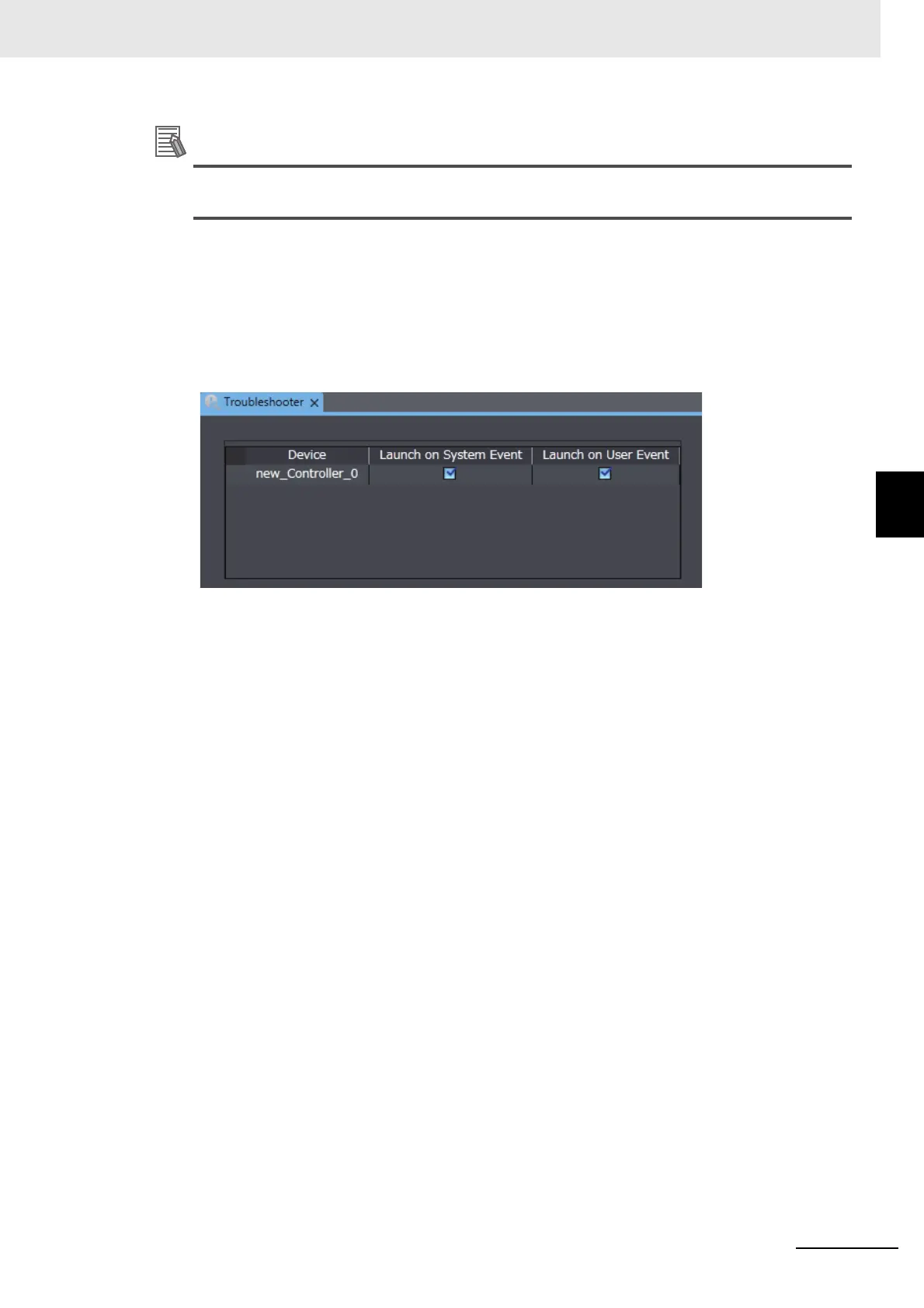
Troubleshooter Settings Tab Page will be displayed in the Edit Pane.
2 Select the Launch on System Event or Launch on User Event Check Box.
3 Generate the type of error that was set in step 2 in the Controller.
4 The NJ/NX/NY Troubleshooter will be started.



 To Next Page