pag.
5
Industrial PC - COPILOT 15" Mini-ITX
Order Code 2E00xxxxNovember 2020 - Rev. 1.3
touch coatings, so do not leave in contact
with the surface for over 2 minutes.
After cleaning, make sure you have removed all
the residues present and carried out this operation only if
necessary, as, for excessive pressure from
part of the user may remove or damage the
anti-glare treatment.
CAUTION: DO NOT USE ACIDS,
SOLVENTS, VINEGAR, OR SOLUTIONS
ALKALINE FOR CLEANING OR BLEACH
After cleaning the surface of the touch screen, wipe it dry
carefully with a dry cloth, removing the more
possible the sanitizing solution.
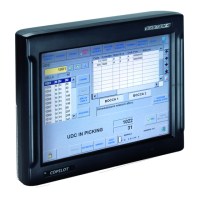
NB: DO NOT SPRAY THE SOLUTION
DIRECTLY ONTO THE SURFACE OF
THE TOUCH SCREEN.
3.5 Cleaning and Maintenance
of the Touch Screen System
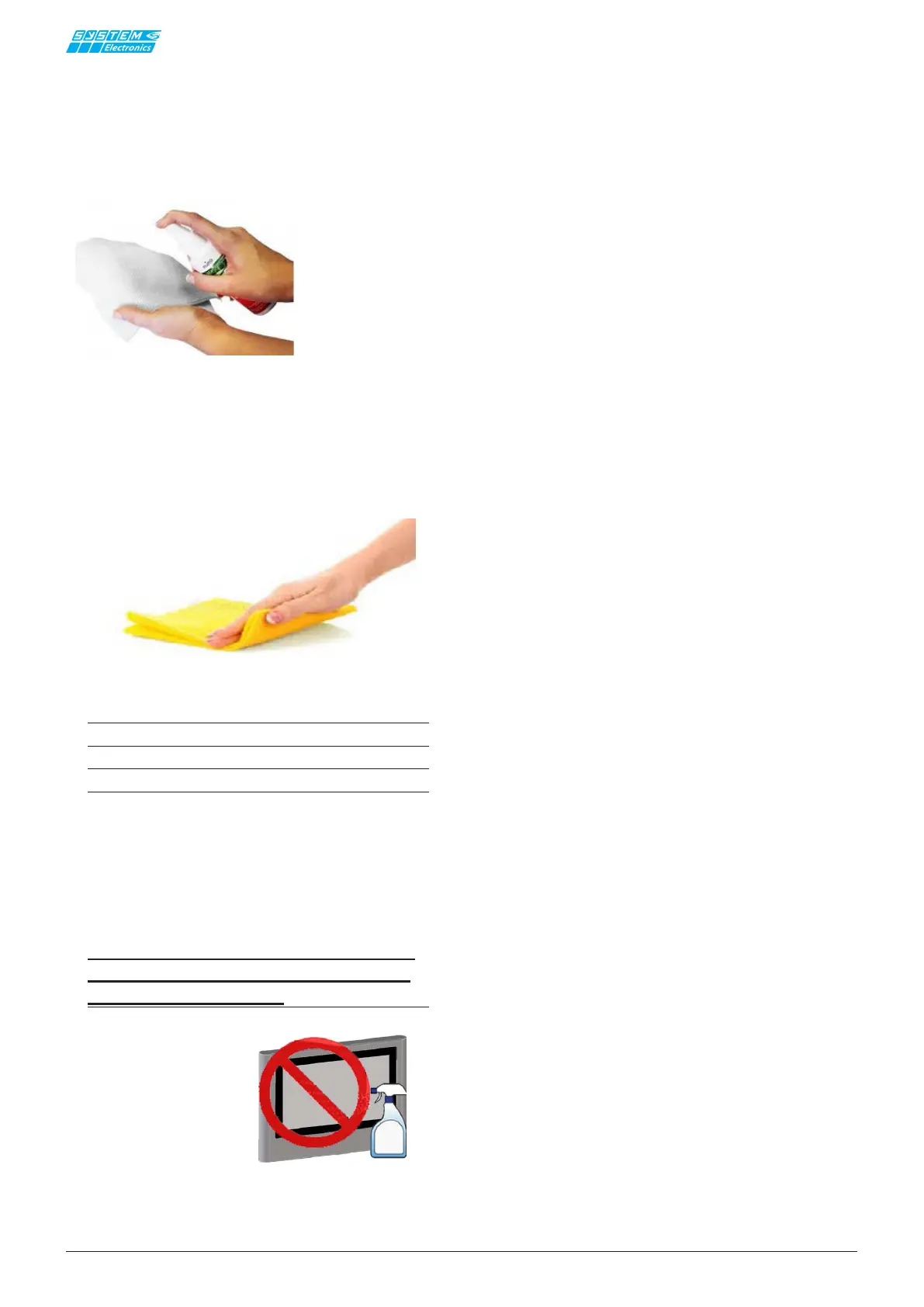
For proper cleaning and maintenance of the touch screen
a solution of distilled water or isopropyl alcohol should
be applied over a clean cloth, after making sure that the
cloth is well saturated with dirt or residues.
Figura 3.5.1
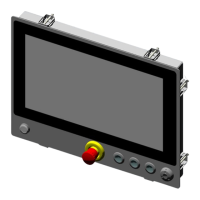
Make a "Z" movement, evenly across the entire surfa-
ce, after possibly positioning the Copilot horizontally to
prevent droplets from falling down and remaining inside
the frame.
Figura 3.5.2
Solutions containing alcohol are corrosive for the


 To Next Page